iPhone Screenshots

Description
The app organizes contacts into user-created groups. Users can view group members by selecting a group and add contacts by dragging them to a group.
EZGroup can help you manage your address book groups.
There are two parts in the layout. The left is groups list, and the right is contacts list. Click the group in the left list, you can see the members in this group. Click the member, you can select it.
How to create a new group:
1. Click the [+] button on the left of the tool bar. A pop window will jump.
2. Input a group name then click the [Create] button to create it.
How to add member to a group:
1. Click the group name in the left group list.
2. Drag the member from the right contact list to the group list then drop it on one group.
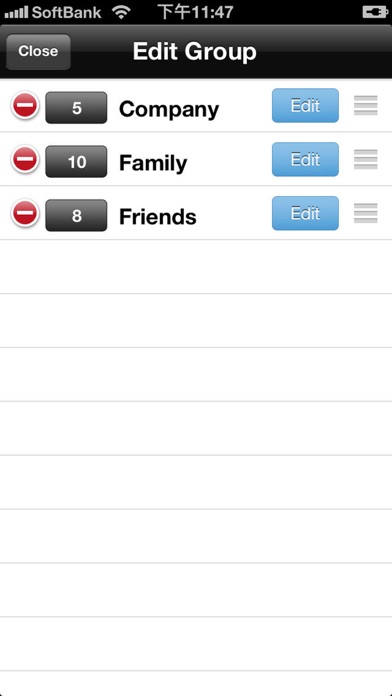
Of course you can modify and delete the group. The button is on the right of the tool bar. If you delete a group, the member in the group will be ungrouping.