Take short microbreaks during work to reduce mental fatigue. Set hydration or restroom breaks with timers. Automatically log breaks to track progress over time. Adjust break duration and type as needed.
Allows users to rehearse and memorize scripts, speeches, or presentations. Record audio or text for practice. Set timing and repetition. Export recordings. Practice English conversations. Track progress and review material on the go.
Learn C/C++ with code templates, auto-completion, and auto-indentation. Compile and execute code offline. Fetch Git repositories and store files using iCloud. Share code via LAN using HTTP/FTP. Run examples directly within the .
Font allows users to apply 100+ fonts and text styles to typed content. Customize font appearance and receive regular updates. Manage entries with one-tap shortcuts for phrases, links, and emojis. Toggle copy and instantly.
Record memos and convert them to using real-time transcription. Email transcripts automatically. Backup recordings and transcripts to iCloud or Dropbox. Dictate notes and access transcribed for note-taking and workflow automation.
Convert to using AI-generated natural language processing. Choose from 31 languages and 80 accents, including male and female . Adjust speed and export audio files.
The app connects an iOS device to iAutocue via Bluetooth or Wi-Fi for remote control. It manages playback, scroll speed, position, and font size, offering standard button controls or gesture-based operation.
Record for podcasts, voice memos, concerts, meetings, and lectures with high clarity. Trim and erase sections precisely. Set recording and playback reminders. Save files to cloud or transfer via Wi-Fi/FTP.
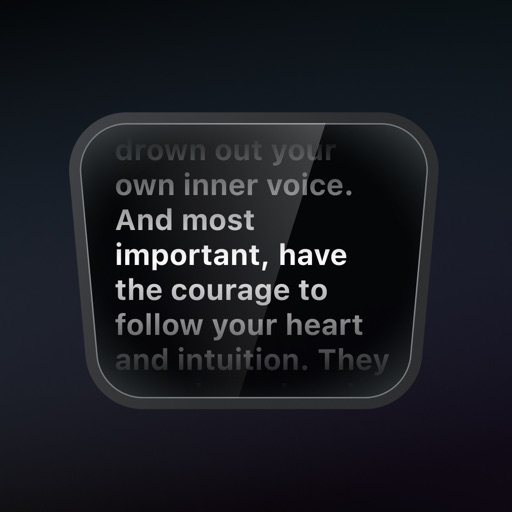
A productivity that provides a teleprompter overlay on the MacBook camera notch area. Users can read scripts or notes while maintaining eye contact. The overlay is visible only to the user and excluded from screen sharing in supported apps.