Your to see how photos will appear in your grid before posting. Drag and drop images to rearrange them. Maintain a consistent style across your content.
by Osauhing Remintor★ 5.01 ratingsPhoto & VideoFreeData updated 2026-09-06
Create groups to share photos and organize them into collections. Post photos publicly or privately. Invite friends to join groups and view shared content. Build a personal archive of meaningful moments.
Upload photos directly from your device. Select from customizable templates to reel covers. Add text, stickers, and effects. Adjust colors and layouts. Export and share covers directly to Instagram.
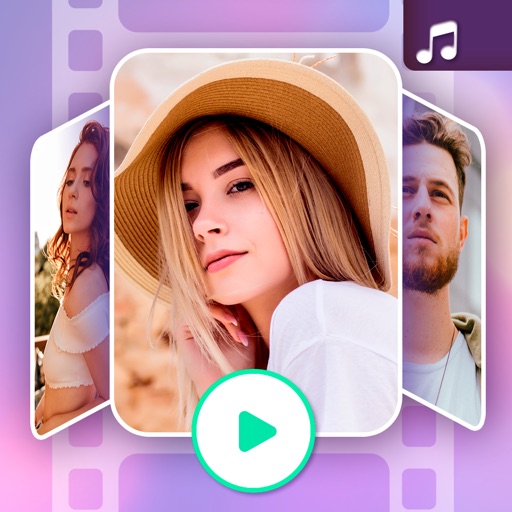
Create animated slideshow videos with music and effects. Add text, stickers, and enhance photos. Import photos and video clips, edit with effects and music, and share the final video.
Create professional talking by adding a script, adjusting speed and size, and recording. Edit clips and save to Camera Roll. Maintain eye contact during recordings without memorizing lines.
Create collages by combining multiple photos using drag-and-drop layout tools. Edit individual images with cropping, filters, and brightness adjustments. Add text, stickers, and frames to enhance visuals.
Edit photos with AI , avatar creation, and future baby prediction. Apply filters and effects with one tap. Share edited images directly or export in various formats.