
Teleprompter: Scripted Videos
Record, edit, and save video scripts
Saturday Technologies Incorporated
iPhone Screenshots


Description
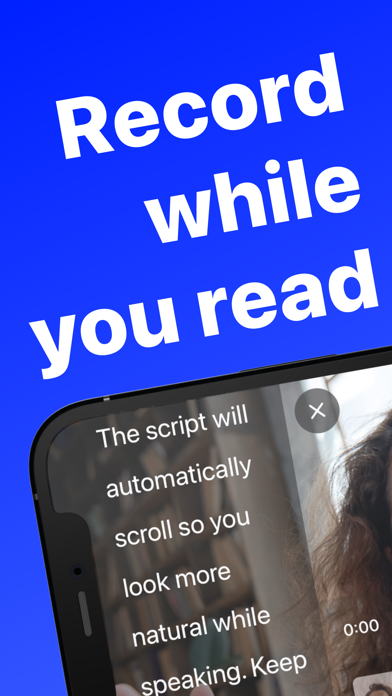
Create professional talking by adding a script, adjusting speed and size, and recording. Edit clips and save to Camera Roll. Maintain eye contact during recordings without memorizing lines.
Teleprompter helps you create professional talking videos in three easy steps:
1) Add your script
2) Adjust the speed and size of the script
3) Press record and confidently read from the screen while appearing to maintain eye-contact
When you're done, you can edit the clips as needed and then save to your Camera Roll.
BENEFITS
- No need to memorize your lines and record a dozen takes
- Project authority and confidence in your presentation
- Establish a stronger connection with your audience
- Keep your audience engaged in what you're saying
FEATURES
• Script auto-scrolls smoothly
• Adjust script scrolling speed
• Scale font size and line spacing
• Support for portrait, landscape left, and landscape right modes
• Record multiple video clips
• Drag-and-drop to re-order video clips
• Preview or delete each video clip
• Fast export time
• Create multiple projects
PLUS
The app is free to use, but some functionality requires a subscription via in-app purchase.
Privacy Policy: https://www.saturdaytechnologies.com/privacy
Terms of Use: https://www.saturdaytechnologies.com/terms