Edit photos with multiple layers, blending modes, and masking. Adjust colors and brightness using adjustment layers. Apply brushes, smudge, warp, and effects. Add shadows and clarity. Export and share edited images.
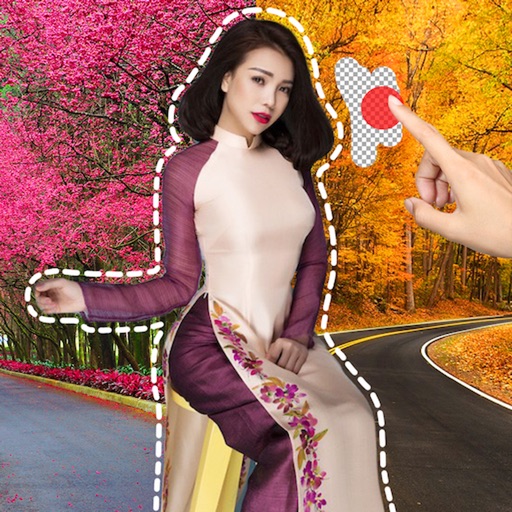
Edit images by cutting out unwanted areas with the lasso tool. Use the magnifier and eraser for precise adjustments. Revert changes and undo errors. Zoom, rotate, and move the foreground. Search Flickr for backgrounds or upload your own.
Edit photos with and mosaic effects. Apply 15 types of or mosaic filters. Adjust color to create soft or colorful images. Save and share edited photos directly.
Edit photos by selecting focus areas with smart selection tools. Apply to background while keeping subject in focus. Choose from nine including motion and zoom. Pan and zoom quickly for precise adjustments.
Remove captions and countdown watermarks from Snapchat screenshots using computer vision. Edit images to hide text overlays. Share modified photos directly. Adjust image quality and save edits.
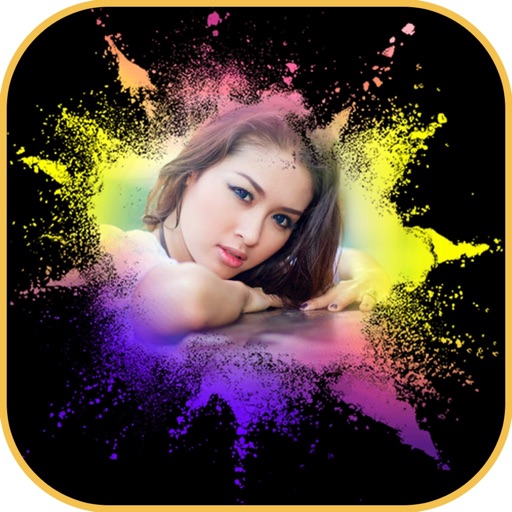
Edit photos with mosaic, pixelation, vignette, overlays, and HDR effects. Apply shattering effects with real-time adjustments. Export edited images in various formats and share directly.
Edit photos with neon, shadow, and synthetic effects. Adjust brightness, contrast, and color. Add text, stickers, and transparency. Apply blur, cartoon processing, and halftone patterns. Invert colors and use copy-paste tools.
Allows users to photos using AI to separate subjects from backgrounds. Apply motion or censor sensitive areas. Adjust intensity and export edited images.
Edit photos with one-tap auto enhance and apply hundreds of filters and . Add stickers, frames, and text. Adjust brightness, contrast, color temperature, and saturation. Crop, rotate, and straighten images. Sharpen or blur details.
Edit photos with layers, filters, and brushes. Adjust brightness, contrast, and color. Add text and stickers. Export in multiple formats and share directly.
Edit photos with advanced filters, lighting adjustments, and blur. Add text, stickers, and effects. Crop, rotate, and enhance details. Export in various formats and share directly.
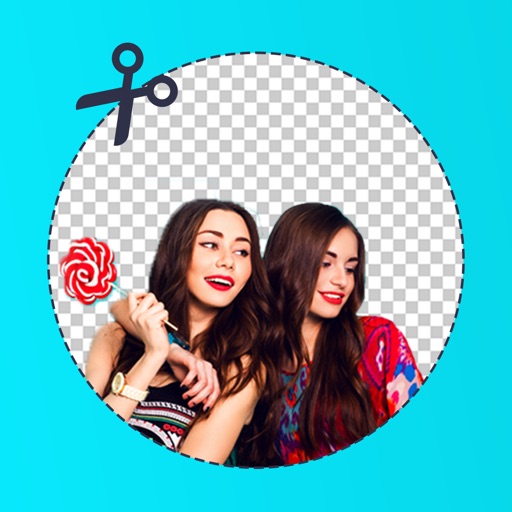
Edit photos by removing backgrounds with mode, object extraction, and quick select tools. Use transparent backgrounds for stamps and collages. Share edited images directly with other apps.
Remove image backgrounds using AI for transparent effects. Edit photos by cutting specific areas manually. Add new backgrounds, text, and stickers. Create profile pictures with customizable options.
Remove unwanted parts of photos using AI-powered erasing. Add colors or images to create new backgrounds. Crop, draw over, and undo edits. Zoom for precision and blur edges. Save and share edited photos.
Remove unwanted objects from photos with a single touch. Erase background elements like trash cans or poles. Edit selfies by removing distracting figures. Save and share edited images directly.
Edit photos with depth-based bokeh effect for professional portrait blur. Restore old or damaged images with enhanced clarity. Remove unwanted objects from photos. Adjust colors, brightness, and contrast. Export edited photos in various formats.
Edit photos with AI-powered object removal and background blur. Generate from text using AI. Adjust colors, brightness, and contrast. Add filters and effects. Crop and resize . Share edited photos directly to social media.