Edit photos with and vintage effects like lights, Miami Filter, and UV. Apply gradient map-based for night lighting. Create abstract designs with colored glass effects. Adjust brightness, contrast, and color balance.
Edit photos with text layers, borders, matting, rounded corners, 3D bevels, and shadows. Adjust cropping ratios and apply internal and external shadows. Share edited photos directly to social media.
The app reveals how faces would appear if the right and left sides were symmetrical. Users can load or take photos, process them, and compare facial sides.
Set iPhone 14 Pro with high-resolution images featuring themes. Choose from artistic and aesthetic designs. Add live through the Photos . Customize home screen and lock screen backgrounds.
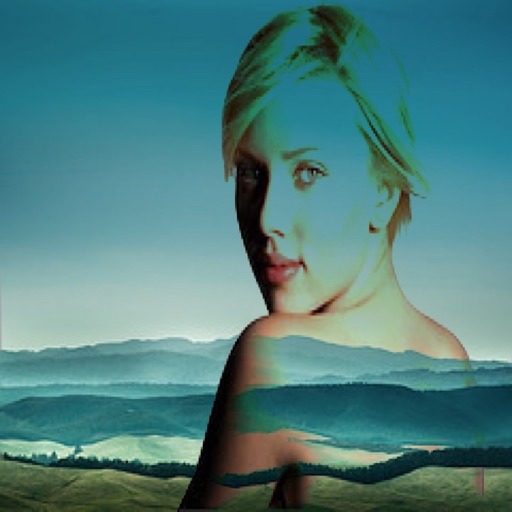
The app allows users to combine two images using various blend modes. Users can select photos from their device or the web and adjust layer transparency.
The app transforms selected photos into creative collages. Users can arrange photos on a canvas, adjust layouts, and customize individual pictures by moving or zooming.
Create custom photo frames by selecting layouts for 2 or 3 images and adjusting rounded corners. Choose from various frame shapes and colors. Adjust sizes for printouts, wallpapers, or other formats.
The app allows users to compare before and after images using a draggable slider. Users can save and share a snapshot of the current view, though the slider functionality is not present in shared images.
Create pictures with customizable borders, colors, width, and opacity. Add text with font and color options. Change background color and combine multiple images for collages. Save final creations to the photo library.