
iPhone Screenshots
Description
VectorShop is a vector design tool dedicated to making it easy for everyone to create stunning vector graphics.
Basic Concepts
• Curve: A single path that can be either closed or open. Rounded and smooth curves are anchor-based curves.
• Shape: Composed of multiple curves, ideal for creating complex graphics.
• Layer: Includes different layer types such as shapes, bitmap images, and text.
Key Features
Toolset
• Includes selection tool, pen tool, rounded curve tool, smooth curve tool, geometric shape tools (rectangle, circle, star, polygon, gear), and text tool.
Curve Types
1. Bezier Curve: Supports standard curve control, compatible with other vector software formats.
2. Rounded Corner Curve: Allows adjusting corner radius on anchor points, ideal for creating smooth polygons.
3. Smooth Curve: A Spline curve that enables smooth shapes and can convert each anchor point to a sharp corner.
4. Geometric Shapes: Rectangle, circle, star, polygon, and gear, with customizable parameters to quickly create basic shapes.
Anchor Curve Editing
• Shortcut Keys: Use C for smoothing, V for sharp corners, and X to merge anchors. These shortcuts are easy to remember as their shapes resemble the functions.
• Snapping Logic: Long-press C to snap to curves, V to snap to anchors, and X to snap to the grid. Shortcut letters resemble snapping targets, aiding memorization.
• Local Editing: Supports precise coordinate entry, edge extrusion, arc extrusion, and adding points with Command key.
• Global Editing: Includes horizontal, vertical, and rotational mirroring, curve offset, and matrix duplication via the context menu.
• Precision Adjustment: Move, rotate, and scale anchor points with precise input and customizable transformation centers.
Shape Editing
• Shape Composition: Offers NonZero, Winding, Boolean, and SFSymbol rendering modes for combining shapes.
• SFSymbol Creation: Adjust stroke thickness and alignment with guide lines, then export as Apple-standard SFSymbols.
• Fill Styles: Supports 6 fill types—system colors, solid color, linear gradient, radial gradient, angular gradient, and image fill—with multiple overlay effects.
• Stroke Properties: Adjust thickness, position, join style (bevel, round, miter), and cap style (butt, round, square) to suit various design needs.
Text Functionality
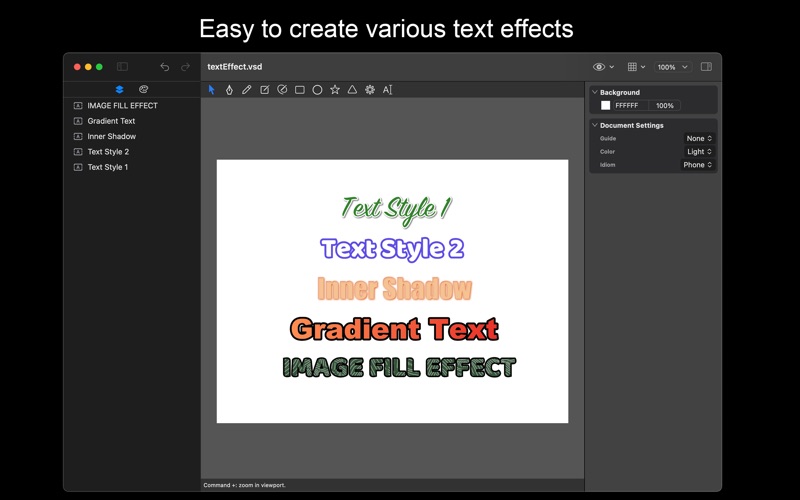
• Modify font, style, size (including system presets), alignment, size adjustment mode, line height, character spacing, and paragraph spacing.
• Supports importing and using custom fonts.
• Allows converting text layers into shape layers.
Layer Effects
• Drop Shadow: Adjust color, distance, blur, and angle.
• Inner Shadow: Adjust color, distance, blur, and angle.
Import and Export
• Import Formats: SVG, PNG, JPEG, and other image formats.
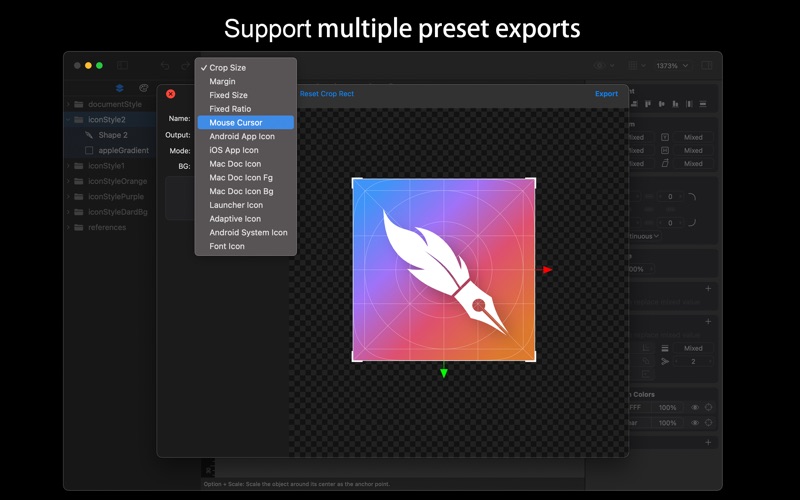
• Image Export: Options include cropping, border, fixed size, fixed ratio, and templates for iOS/Mac/Android app icons.
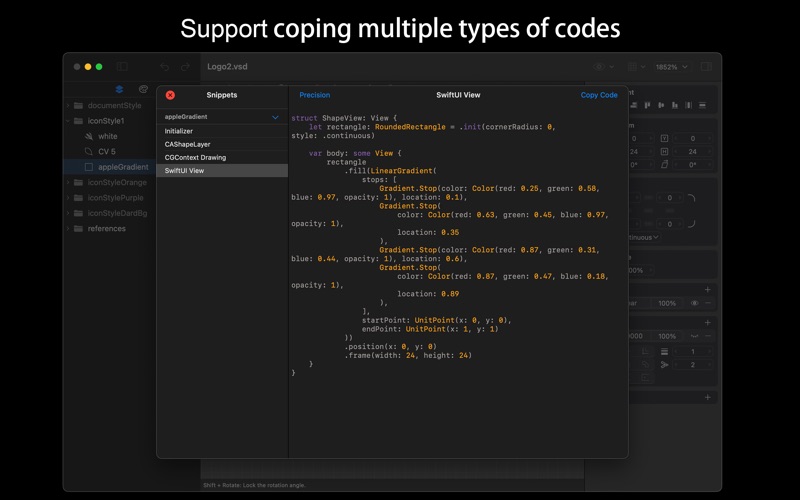
• Code Export: Export code compatible with SwiftUI, CAShapeLayer, and CGContext.
VectorShop combines robust functionality with user-friendly operation, making it an ideal choice for hobbyists, designers, and developers to efficiently create and develop vector graphics.