Manage multiple accounts across work and personal use without repeated logins. Access saved accounts instantly upon opening the . Store login credentials securely in one location. Save personal notes, thoughts, and reminders privately.
by Premjibhai Makawana★ 4.625 ratingsUtilitiesFreeData updated 2026-09-06
Allows users to control TVs via Wi-Fi. It detects TVs automatically, navigates channels, and accesses default system tabs. Users can manage playback, adjust settings, and mirror content from iOS devices to TVs.
Cast content from smartphone to smart TV via or casting. Use widgets and shortcuts for quick access. Support for Samsung and LG TVs with Wi-Fi dongles or adaptors. Share media and cast apps directly to external displays.
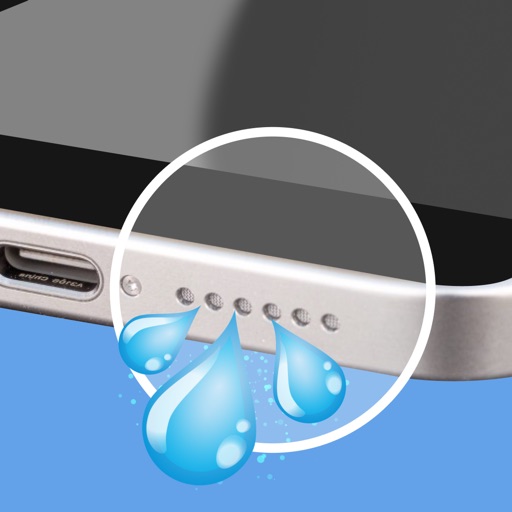
Clean and maintain iPhone speakers by removing trapped , dust, and debris. Use advanced sound waves to instantly, blow away particles, and restore clear audio quality. Perform these actions with a single tap.
Organize and manage photos by identifying duplicates and similar images. Select which photos to keep or delete. Move selected items to a trash folder for safe removal. Review and confirm deletions before finalizing.
Create silhouettes from photos by converting images into vector outlines. Choose from pre-designed templates or customize shapes. Export silhouettes as SVG files or share directly. Design posters and decals using the tool.
Apply New frames to photos. Add stickers and shapes. Create collages with holiday patterns. Customize designs for Hindu culture celebrations. Share edited images directly.
Resize images by custom dimensions with aspect ratio lock. Crop using freeform or preset ratios. Compress files to reduce size without quality loss. Convert to JPG, PNG, HEIC, or WEBP formats. Rotate and flip images with quick options.
Enables users to transfer files securely and quickly. Generate QR codes for easy . Send photos, videos, music, and contacts with one tap. Manage files directly within the .
Generate two-factor authentication codes to secure online accounts. Scan QR codes to add accounts without login. Backup and sync authentication tokens across devices.
Manage two-factor authentication with time-based one-time passwords. Add accounts via QR code scanning. Sync tokens across devices using iCloud Keychain. View and export migration data. Support for Google Migration Export QR.
Identifies nearby networks and connects to them. Displays signal strength and network details. Allows manual network selection and entry. Enables administration features like restarting and configuring settings.