
iPhone Screenshots


Description
Allows users to control TVs via Wi-Fi. It detects TVs automatically, navigates channels, and accesses default system tabs. Users can manage playback, adjust settings, and mirror content from iOS devices to TVs.
Rokie Remote: Smart TV Remote Control is a universal remote control Roku TV and Mirroring app, that app allows you to rule over everything on Smart TV and also helps you to select channels faster and easier with the system tab of default channels available. And all you need is to connect your iOS device and Smart TV with the same Wi-Fi network.
Features of Roku Remote:
- Automatic detection of Smart TV in the Wi-Fi network;
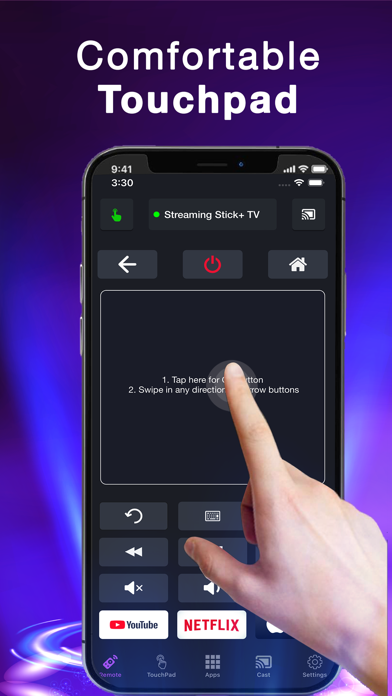
- Controls your TV device as another remote control
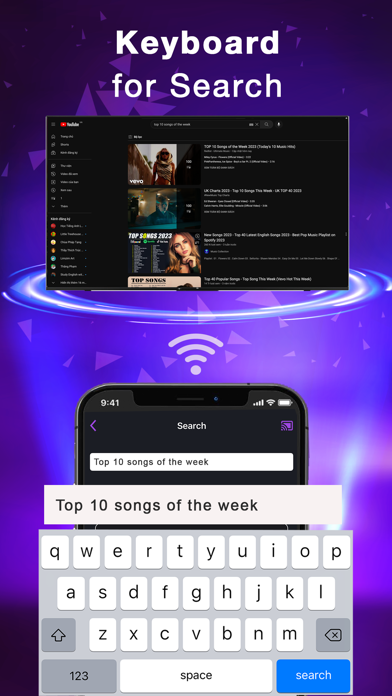
- Easy Navigation menu control buttons
- Access All tuned TV Antenna Channels in One click
- Power OFF/ON of Smart TV (please enable the feature on your TV)
- All player functions like play, pause, fast forward & rewind are available
- Launching of channels directly from the application;
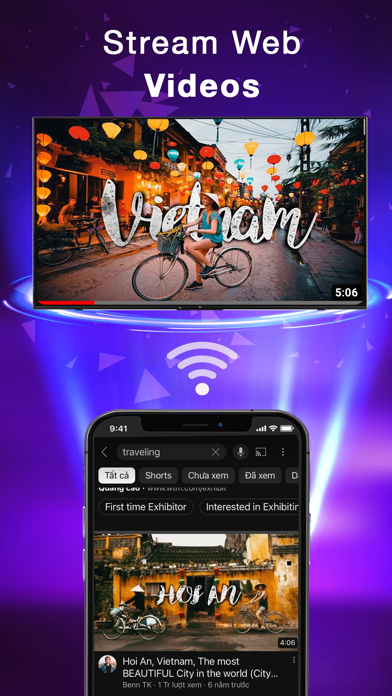
- Screen Mirroring - Stream to TV: Cast photos and videos to the bigger screen
Privacy Policy: https://tapfiles.blogspot.com/2019/09/privac-policy.html
Terms of Use: https://tapfiles.blogspot.com/2019/09/licensed-application-end-user-license.html