Control desktop PC remotely with keyboard, mouse, and media player functions. Access home PC files wirelessly or via 3G. Manage remote overclocking and power settings. Share resources between devices and use hotspot features.
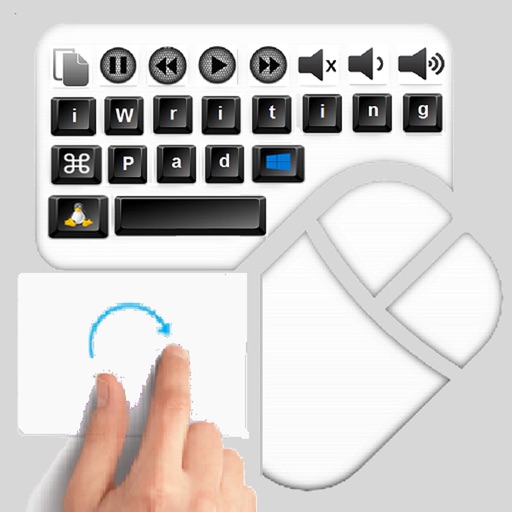
The app provides an iPad user experience on computers. It allows users to control PCs using touch gestures as a remote mouse and handwriting recognition keyboard.
Access servers, transfer files, and manage terminals
Manage servers with SSH and SFTP connections, enabling file transfers and remote command execution. Access terminal interfaces for interactive tasks. Support SOCKS5 proxy and jump host for secure connectivity.
The app provides Wi-Fi MIDI control for FL Studio on computers. It allows users to connect phones or tablets to control various functions and plugins, with options for custom tabs and controls.
The app provides a list of Arduino core libraries and examples. It covers topics including input, output, communication, and various Arduino board guides.
Allows copying and pasting between devices. Share files and URLs to a computer from any . Use phone screen as a virtual touchpad or keyboard. Control a computer's presentation with a phone-based laser pointer. Run remote commands on a computer.
Remote desktop access with low-latency H.264 protocol. Transfer files between devices. Connect using Apple Screen Sharing, VNC, or RDP. Sync computers and credentials across devices. Automatically sync clipboard data.
Control your Smart TV with a that allows turning it on and off. Use a built-in keyboard for typing on the TV. Navigate with a trackpad support for precise movement.
Control PowerPoint presentations with start, stop, next, and previous page navigation. Hide or show a laser pointer. Use as a mouse with finger movement, single and double clicks. Requires server software on Windows XP/VISTA/7/8.