Edit images by on photos with 45 colors and five pen thicknesses. Use zoom edit and undo functionality. Add text with drag and pinch for free layout. Import from camera roll and attach images. Share edited content via email, Twitter, and Facebook.
Create art using maps as a canvas. Choose from over 80 detailed maps to draw based on personal memories. Color streets to generate unique images. Save and share finished artwork.
Color pictures with realistic painting tools and save work. Draw on blank pages with easy zoom features. Watch video replays of funny drawings. Access a variety of pages for creative expression.
Draw with responsive touch input and customizable brush sizes. Apply sparkle animations while creating art. Save drawings to the device photo album. Share completed artwork directly.
Create kaleidoscope patterns by swiping fingers across the screen. Adjust the number of lines and line color. Use multi-touch for advanced control. Save generated artwork to the device's Camera Roll.
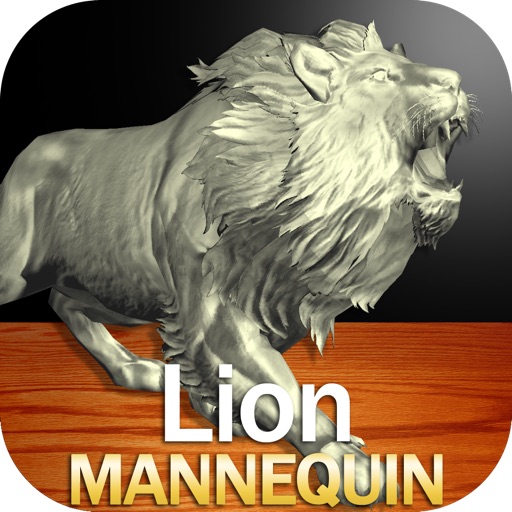
Draw a in any pose by adjusting joints and limbs. Use poseable models and reference tools for accurate positioning. Apply skins for detailed textures. Customize camera angles and backgrounds.
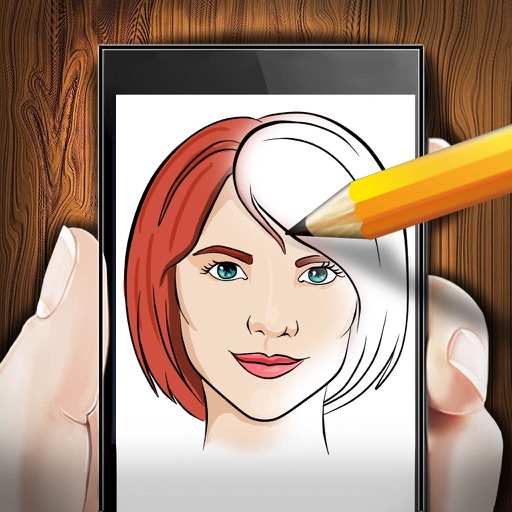
The app provides step-by-step drawing lessons for various subjects like animals, cartoons, and anime. It also includes coloring pages with an online catalog for users to paint images.
The app provides a digital whiteboard experience for drawing and sketching. It offers multiple marker colors and tip sizes, with undo/redo functionality and the ability to save drawings.