Draw sketches using brushes and tools with support for Apple Pencil. Create layered artwork and zoom for detailed painting. Import and export vector images in PDF, PNG, and JPEG formats. Use color or photo backgrounds. Save artwork for later.
Draw dots by pressing one finger, adjusting size based on press duration. Create lines and shapes with multiple fingers. Manipulate polygons by moving vertices. Export drawings in various formats. Share creations directly.
Create drawings with Apple Pencil support. Use grid or lined backgrounds. over existing images. Save square images. Add widgets to showcase drawings on the home screen. Enable multitasking and multi-window features on iPadOS.
Lets users complete unfinished drawings by adding details to scenarios. Users can navigate through various puzzles, solve logic-based drawing challenges, and create humorous stories.
Allows children to draw using color selection, shape tools, and an eraser. It plays with each stroke and includes a random color option. Users can change line thickness and save drawings.
Create art with a wax simulator that mimics real-life drawing. Adjust stroke size based on finger contact area for precise control. Draw thin lines with fingertips or broad strokes with full finger pressure.
Create and share drawings based on random themes. Compete in real-time battles against other players. Receive AI-generated scores and climb global rankings. Improve skills through themed challenges and practice sessions.
Create mandalas using watercolor, crayon, and oil paint tools. Add glitters for sparkle effects. Choose from anti-stress coloring pages and creative templates. Save and share finished artwork.
Create layered collages by combining images with one click. Add special effects to draw or erase . Apply filters and frames to enhance visuals. Share finished blends directly to Instagram.
The app provides a drawing experience with colorful stamps and rainbow lines that trigger sounds. Users can save their creations, clear the canvas with trash and eraser buttons, and choose between white and black backgrounds.
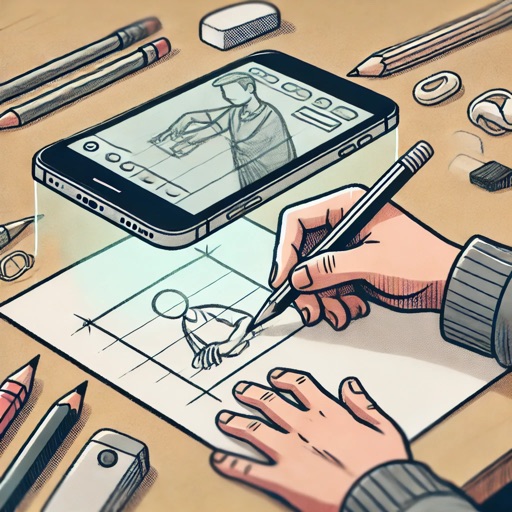
Use phone camera to project images onto surfaces for tracing. Access templates for drawing and coloring. Color traced images to create artwork. Share finished drawings directly.
The app uses AI Magic to transform children's doodles into various art styles like watercolor, anime, or Chinese ink. It offers step-by-step drawing guides and a coloring book for children ages 2–6.