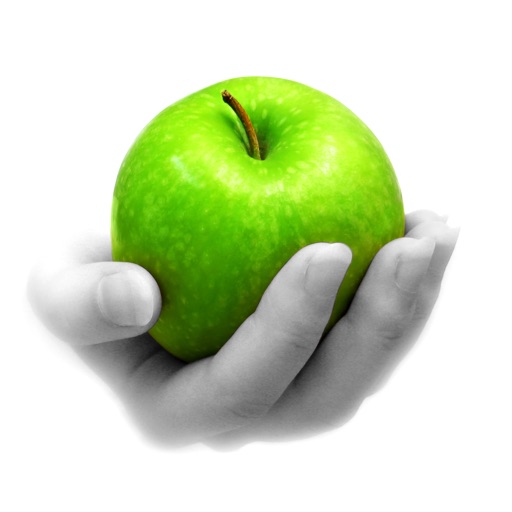
Edit photos by converting them to black and white while retaining selected details. Use multi-touch gestures to paint areas in black and white or restore original colors. Zoom in and out with two-finger pinching. Adjust and export edited images.
Create art using 1x1 themed squares. Choose from multiple color options. Save images to device, share via social media, or print for display. Draw classic 8-bit sprites or -themed artwork.
Create sketches from photos or camera captures with "," "Doodle," and "Hatch" styles. Adjust colors for black-white or vibrant results. Save images with a single tap. Share generated sketches directly.
Draw and sketch with pen, eraser, or lasso tools. Adjust pen thickness and color. Change canvas background color. Zoom and pan the canvas. Save and share drawings in one step.
One of a puzzle to complete the goal. Explore varied endings after each level. Engage with logic-based drawing challenges. Create and share custom drawings. Sync progress across devices.
Create glowing designs by drawing with your . Spin creations to watch them rotate. Customize colors and patterns. Save and share artwork. Explore calming, interactive art experiences.
The app allows users to draw directly onto their camera lens or photos. Users can add captions, stickers, and doodle on images before saving and sharing them.
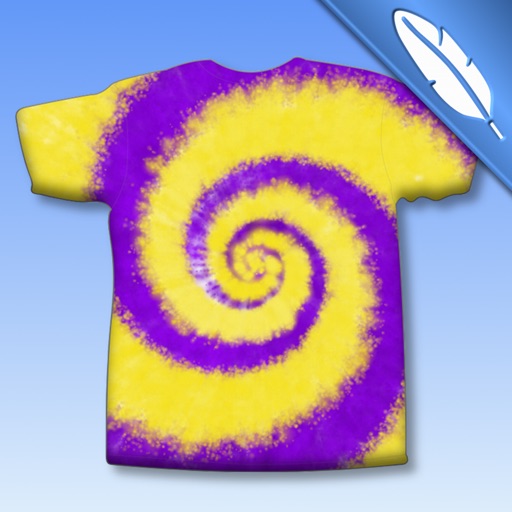
Create tie-dye designs by selecting a shirt, folding it, placing rubber bands, and applying colors. Customize with fabric paints, glitter, rhinestones, and appliqués. Try on virtual models, save designs to a photo album, and email them.
Create line drawings with rotating controls and shake-to-erase function. Use LED pegs to make point drawings. Paint with 8-bit style tools. Save artwork to photo library.