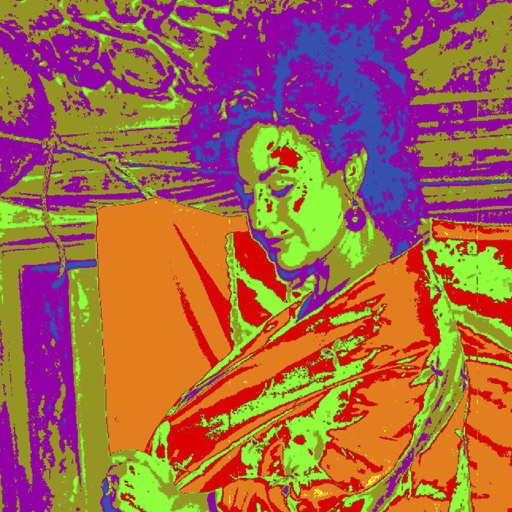
Edit photos with filters, stickers, and makeup tools. Smooth skin by swiping over wrinkles and blemishes. Reshape face and body with 21 micro-adjustments. Beautify photos with one tap. Apply magic sky filters and other style options.
And edit videos and photos in any size or ratio quickly. videos to format with pinch, zoom, and drag features. Add keyframes for creative control. Adjust speed, apply slow motion, reverse, or freeze frames. Resize, rotate, and fill backgrounds.
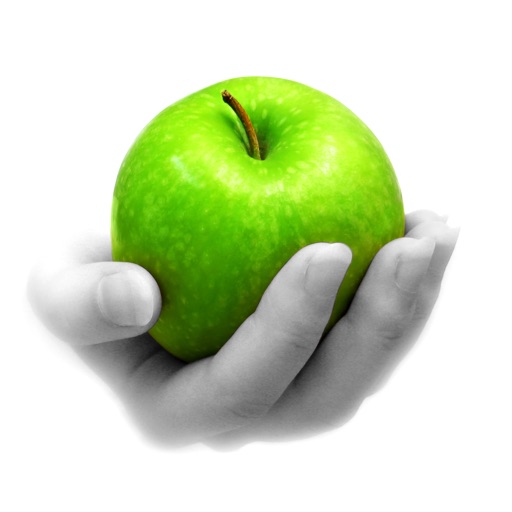
Edit photos by converting them to black and white while retaining selected details. Use multi-touch gestures to paint areas in black and white or restore original colors. Zoom in and out with two-finger pinching. Adjust and export edited images.
Capture high-quality selfies in low light using a customizable screen light. Adjust color temperature and brightness to suit your mood. Use the glowing light effect to enhance visibility and reduce shadows.
Edit photos and videos with face retouch, skin smoothing, and reshaping tools. Apply filters and use AI-powered features like hairstyle adjustment and object removal. Enhance image quality and correct camera distortion. Share edited content directly.
Change eye with a single tap. Select from multiple shades to alter eye appearance. Adjust brightness and contrast for natural results. Save edited images and share directly.
Corrects color distortion caused by actinic LED lighting in aquariums. Adjusts colors in real-time during photo capture. Allows manual fine-tuning of color balance and brightness. Saves and shares corrected images directly.
Edit photos with face-lifting, slimming, and skin retouching tools. Apply effects to preview future appearances. Enhance complexion and adjust facial features using AI technology. Add special effects for creative editing.
Find paint colors for home projects using visualizer tools. Explore palettes and visualize how colors look in different lighting. Save and share selections. Access guides and project ideas.
Edit RAW images with customizable adjustments. Convert to JPEG format. Save adjustments for future edits. Export images without watermarks after subscription. Share edited photos directly.
Create images by arranging words into predefined shapes. Customize with color themes, fonts, and layout options. Adjust text processing to highlight frequently used words. Export and share the final design.
See color values in real-time using the camera or convert photos to grayscale. Measure lightness of specific points. Apply grayscale filters for sketching. Helps with grayscale art and contour line practice.
Edit photos and videos with transitions, special effects, text animations, and filters. Sync content to trending music. Use pre-made templates. Share directly to TikTok, Instagram, Snapchat, and YouTube.
Together vertically or horizontally. Combine chats, web pages, or side-by-side images into one image. Redact private information before sharing. Save and share the combined image directly.
Upload photos of rooms or spaces to generate AI-powered redesigns. Compare before-and-after views. Adjust layouts, colors, and furniture arrangements. Export designs for real-world application.
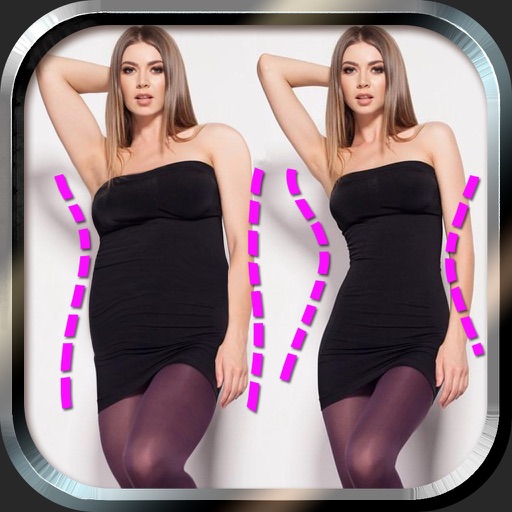
Edit photos to and body using auto-detection. Adjust and body thickness with sliders. manual edits and undo changes. Compare original and edited images. Save results to albums and share via email or social media.