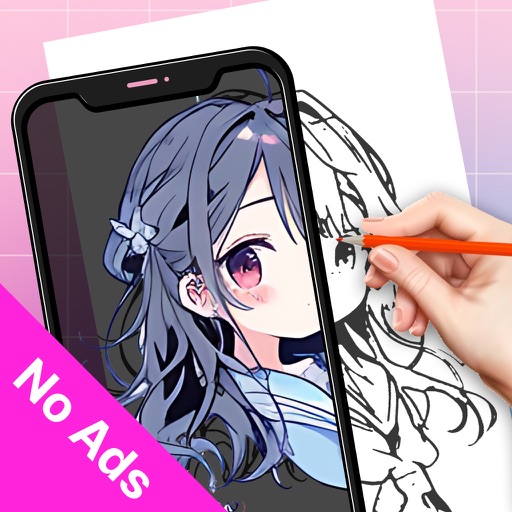
Use camera to project reference images into real-world space. Trace and over images with precision. Align and import images for accurate drawing. Save and share sketches directly.
Children can draw using step-by-step templates in cartoon and kawaii style. They can choose colors, add stickers, and save their artwork. The includes guided exercises and a safe, child-friendly interface.
Use AR to project images onto real-world surfaces and them for drawing. Create original artwork with real-time feedback. Adjust colors, lines, and layers within the . Save and share drawings directly.
Edit images and videos by selectively recoloring elements. Extract objects, shapes, and text using tracing, magic eraser, and recoloring tools. Deform and extracted elements with distortion tools.
Create by tracing virtual projections of photos on paper, easels, or any surface. Adjust drawing tools for precision. Learn drawing techniques with guided tutorials. Save and share finished pieces. Sync drawings across devices.
Convert photos and videos into paintings or hand-drawn animations using AI. Apply sketching or painting styles with adjustable textures. Save the artwork process as a video. Choose from five standard art tools.
Create jewelry and newspaper crafts with step-by-step tutorials. to make flowers, animals, vegetables, and lamps. Access offline DIY projects and instructions for various -based crafts.
Train observation and anatomy skills with timed figure sessions. Select pose duration, choose from photo galleries, and start immediately. A summary displays performance after each session.
Create sketches in short sessions by selecting images from a library, camera roll, or camera. Adjust image display with pinch, pan, and rotate. Overlay images for reference. Save drawings automatically and review progress over time.
Sketch directly on the screen with pressure-sensitive tools. Adjust brush size and opacity. Rotate, resize, and move drawings. Save and share artwork in various formats. Export as vector or raster files.