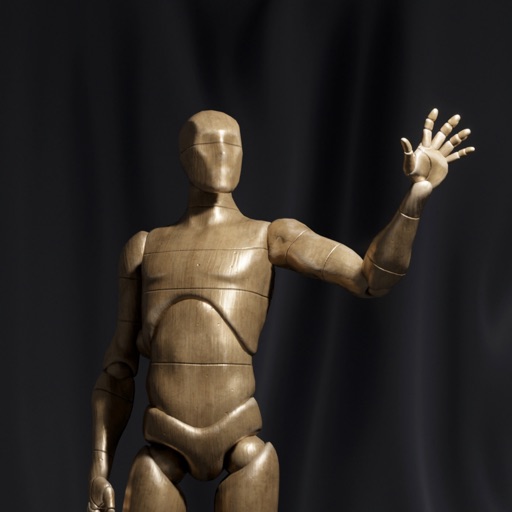
Train observation and anatomy skills with timed figure sessions. Select pose duration, choose from photo galleries, and start immediately. A summary displays performance after each session.
by Frederic Ruaudel★ 4.892 ratingsGraphics & DesignFreeData updated 2026-09-25
Create and customize 3D using flexible pose libraries. Apply shading presets like toon shader. Adjust shapes, animations, expressions, camera, and lighting controls. Import and export 3D models. Edit and refine appearances with advanced tools.
Create and customize 3D using pose libraries. Apply shading presets like toon shader. Adjust shapes, animations, expressions, camera, and lighting controls. Edit and refine 3D models for various creative projects.
Create 3D poses by rotating, zooming, and cloning an interactive . Use presets to generate poses quickly. Design scenes with multiple characters. Generate images based on custom poses with realistic style options.
® allows artists to view and rotate 3D models of hands, feet, and heads. Users can adjust angles and positions for drawing references. In- purchases add more limbs and customization options.
Use your phone to project templates onto paper for . Upload and create custom art. Access sections for anime, tattoos, and cars. Record video of your process. Sync drawings with AR features for enhanced sketching.
Learn to characters using augmented reality guidance. Follow step-by-step tutorials to sketch facial features, body proportions, and expressions. Use AR overlays to visualize and refine your drawings in real time.
Animated movies using frame-by-frame . Import and edit vector graphics. Access tutorials for learning techniques. Export animations in various formats. Collaborate with others through community features. Adjust timing and add sound effects.
Draw a in any pose with poseable figure tools. Adjust limbs and joints for custom positions. Use skins to enhance detail and realism. Change camera angles and zoom. Select from various backgrounds and platforms.
Create pose references for figure drawing using a 3D mannequin . Load and overlay reference images. Save and share poses. Mimic realistic human movement. Supports phones and tablets. Includes indie-developed features with future updates.
Draw and paint images using customizable color pencils, pastels, and brushes. Choose colors freely and adjust settings for precise control. Save artwork to camera roll and share via Facebook or Twitter.