Edit images using gestures to adjust features like eyes, mouth, and face shape. Modify poses and slim facial contours with intuitive drags. Add text descriptions for AI-driven edits. Export edited photos in various formats and share directly.
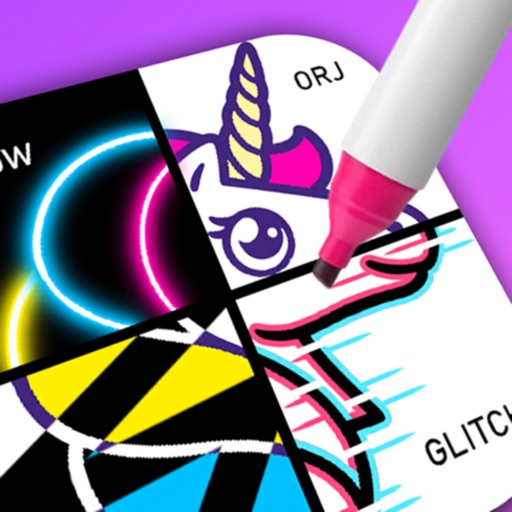
Create drawings using a variety of art and color options. Select and match colors for coloring games. Use the Draw-it feature to sketch freely. Save and share completed artwork. Adjust brush settings for detailed strokes.
AI Wallpaper: Create exquisite wallpapers using AI-generated designs. Customize colors, patterns, and styles. Set as desktop background. Share or save wallpapers.
Coloring allows users to select and customize artwork with various colors. Features include drawing tools, color palettes, and the ability to save and share completed drawings. Includes exclusive artwork from models, cartoons, and pop art.
Create AI avatars from photos using advanced generation tools. Choose from various artistic styles and customize appearances. Edit images with built-in tools, apply AI filters, and save or share created artwork.
Create portraits and photos with AI-powered style transformations. Choose from comic, cyberpunk, anime, sci-fi, and artistic templates. Apply creative effects and customize details. Export and share edited images directly.
Create pixel art by selecting images of varying sizes and difficulty. Choose from a large collection of free images or design custom pixel art. Paint by number with pre-colored sections and customize colors. Save and share completed artwork.
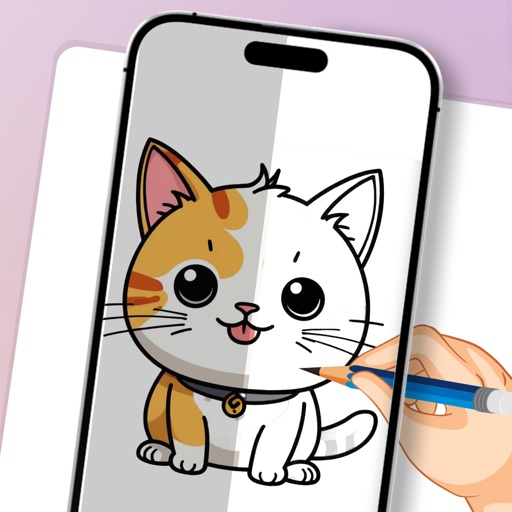
Learn to draw cartoon characters starting with simple shapes like circles and rectangles. Follow step-by-step guides to color line drawings using various brushes. Access templates for food, fairytale characters, and more.