
Pixel: Color by Number
Pixel images and choose difficulty level
FUNAPP LTD
iPhone Screenshots



Description
Create pixel art by selecting images of varying sizes and difficulty. Choose from a large collection of free images or design custom pixel art. Paint by number with pre-colored sections and customize colors. Save and share completed artwork.
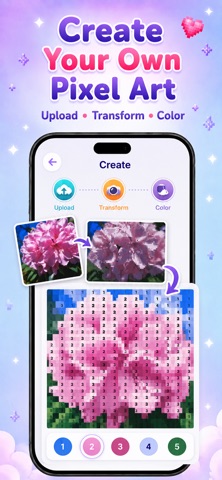
Turn any photo or camera shot into pixel art you can color by number.
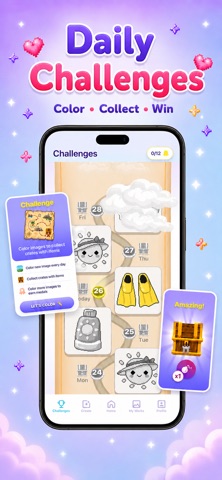
Take on a fresh daily challenge, build your streak, and make creativity a habit.
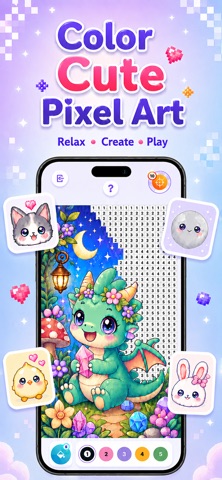
Choose from thousands of pictures in many sizes and difficulty levels, with new artwork added regularly. Tap numbered cells to bring every scene to life at your own pace—from quick, simple designs to detailed projects.
Need a hand? Use a color bomb, magic bucket, or smart search to speed through tricky areas. In Color Clash, pick a side and contribute during a limited-time team challenge.
Your progress and completed artwork stay saved, so you can return whenever you like. Finish your creation, admire the result, and share it with others.
• Color pixel pictures by number
• Make custom coloring pages from photos or the camera
• Complete daily challenges and maintain a streak
• Explore thousands of images, with new additions regularly
• Use helpful boosters on detailed designs
• Choose a side in timed Color Clash challenges
• Save progress, collect finished art, and share
Terms of Use (EULA): https://www.apple.com/legal/internet-services/itunes/dev/stdeula/