Create professional presentations with ready-made slides, templates, diagrams, charts, infographics, themes, icons, and graphics. Edit and customize slides, add visuals, and apply design elements directly within .
Create and edit decks of for organizing thoughts or speech cues. Arrange and reorder within decks. Swipe through in full-screen mode. are automatically synced across devices.
Mirror device to multiple devices simultaneously. Share content on TV, Mac, PC, or tablet via browser. Cast photos, videos, or entire for presentations or viewing. No cables or external apps required. Connect over same internet network.
Customize text display with adjustable speed, font size, and background settings. Import and scroll through documents, scripts, or notes. Record and playback voiceovers. Share prompts via cloud or direct links.
Track time spent on tasks with sessions. Set goals and monitor progress. Customize intervals and breaks. Sync across devices. Export time logs and analyze productivity trends. Manage multiple projects and prioritize tasks.
Manage tasks with a simple interface. Set and customize sessions with timed intervals and breaks. Track productivity through charts. Adjust colors, sounds, and goals. Available on iPhone and iPad.
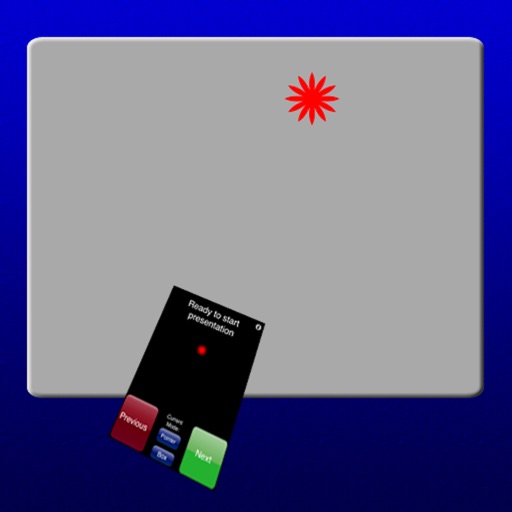
Control slides, highlight points, connect to computer
Control presentations by navigating slides, highlighting key points, and managing transitions from an iPhone, iPad, or Apple Watch. Connect to a computer via Desktop, grant permissions, and sync for real-time control.
Save contact information by entering a phone number and email. Clients can call or email by clicking buttons. Contact details are displayed on the client's home screen for quick access.