PPTControl
Control slides, highlight points, connect to computer
Bastian Aunkofer
iPhone Screenshots


Description
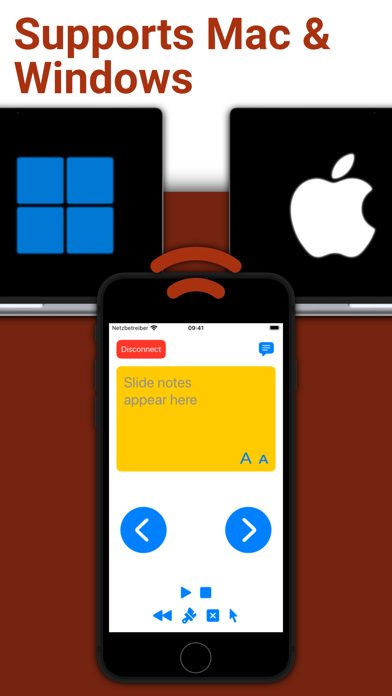
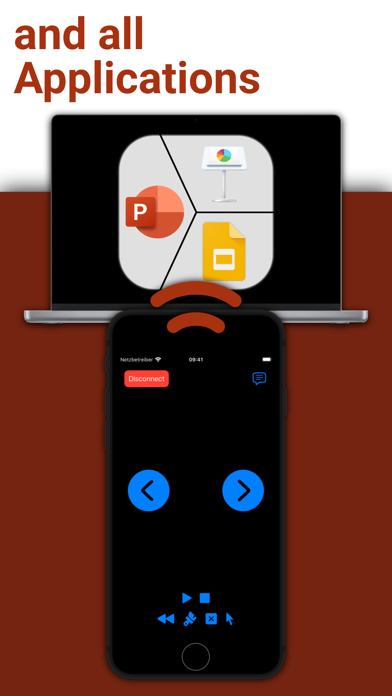
Control presentations by navigating slides, highlighting key points, and managing transitions from an iPhone, iPad, or Apple Watch. Connect to a computer via Desktop, grant permissions, and sync for real-time control.
Take full control of your presentations with ease using your iPhone, iPad, or Apple Watch.
Simply start PPTControl, follow the steps and connect seamlessly to your computer. With just a few taps, you can navigate through slides, highlight key points, and impress your audience — all from the palm of your hand.
Getting started is simple:
1. Install and launch this PPTControl Desktop on the computer. You can download it at: bit.ly/pptl. Make sure you grant required permissions.
2. Open PPTControl and select your computer from the list.
3. Accept the connection on your computer, and you’re ready to go!
Requirements:
- A Bluetooth connection is necessary, so both your computer and iPhone/iPad must support Bluetooth.
- To control via Apple Watch, ensure your iPhone is connected to the presentation device (due to Apple’s restrictions).
Elevate your presentations with PPTControl — your remote control for effortless, professional presentations.
For more information and downloads, visit https://pptcontrol.app.