Take photos with consistent composition to track changes over time. Use previous images as guides for new shots. View sequential photos to observe gradual transformations like body changes or plant growth.
Connect Bluetooth to print photos from smartphones or tablets. Edit images on devices before printing. Use with Minishot Camera or Mini2 Printer. Recharge printer before use. Instantly print photos directly from connected devices.
Edit photos with selective effects using gesture controls. Zoom and pan to adjust splash areas. Convert parts of the image to grayscale while keeping selected regions in full . Export edited photos directly.
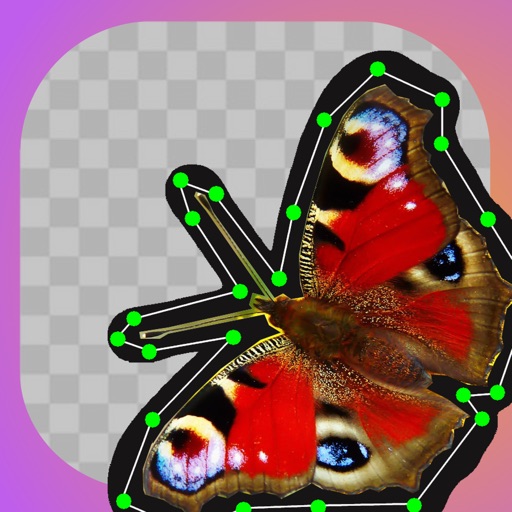
Edit photos by cutting and pasting faces, removing backgrounds, and deleting unwanted people. Add missing faces to photos. Use the silhouette head tool to select and edit elements. Export edited images directly.
Edit and enhance grayscale photos with 20 predefined presets and custom adjustments. Apply vignette effects and modify color channels. Save personalized presets. View and share monochrome images directly.
Turn photos into pencil sketches using advanced analysis and redrawing. Select images from the library to convert into detailed artwork. Share the results directly or save as new files.
The app allows users to combine facial features from up to four photos to create new face montages. Users can select images from their iPhone camera or photo library to create unique blends.
The app captures full-page web page snapshots using its built-in browser. It saves, shares, tiles, and previews these images, including content not initially visible on screen.