
Stop Motion Maker
Create stop-motion videos from images.
Pollapee Sroysuwan
iPhone Screenshots
Description
The app allows users to create stop-motion videos by taking a sequence of images. Users can preview and export their creations to their photo album.
Take a sequence of images and make your own stop-motion video.
How to use.
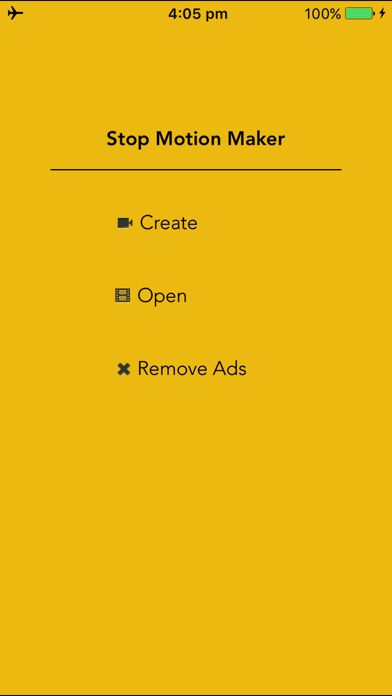
- Choose "create" button.
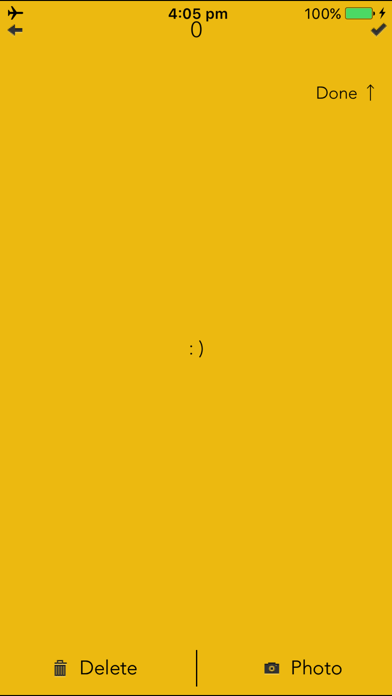
- Your camera will start, Click "photo" button to take an image.
- If you have enough image sequence, Click "done" button.
- At preview screen. You can touch on "Play" button to see preview and Click on "Export" button to save video into photo album.
Troubleshooting:
- Camera doesn't work. Please make sure that allow the application to acess "Camera.
- Export doesn't work. Please make sure that allow the application to access "Photo library".
If you have any feedback, feature requests, bugs.
Please send me an email. I will fix it as soon as possible.
Thanks for your support :)
[email protected]