Apps Like Remove Text From Photo for iPhone and iPad
Photos with AI
Photos using AI-powered detection. Select and erase unwanted , captions, or date stamps. Preserve image texture and natural appearance. Export edited photos directly.
by Mugenyi Henry★ 4.356 ratingsPhoto & VideoFreeData updated 2026-09-06
Edit photos with filters, select and apply Independence Day , add text with customizable font style and size. Share edited photos via social links. Set color options and arrange images in sets.
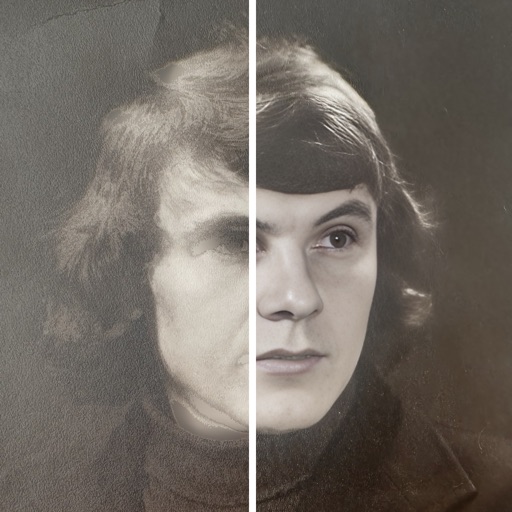
Edit photos with cartoon-style anime filters and portrait transformations. Colorize black-and-white images using AI. Remove or replace backgrounds with one tap. Enhance skin tone and texture with AI-powered retouching.
Add watermarks to videos, illustrations, photos, and images. Place single or like wallpaper with adjustable size, density, and transparency. Apply cutout effects for seamless blending. Choose from over 500 fonts.
Edit photos with 100+ presets and trending filters. Apply drip art, neon, and spiral frame effects. Add typo text and customize image sizes for social sharing. Use AI-powered background eraser and blend tools.
Remove people or objects from photos by selecting and erasing them. Eliminate from images with precise tools. Uncrop photos to expand the frame. Change backgrounds by removing the existing one and applying a new one.
Edit photos and videos with time-based filters to alter appearance across ages. Try different hairstyles, haircuts, and colors using uploaded images. Apply popular influencer effects for social media sharing.
Add text to photos with customizable fonts, colors, sizes, and borders. Include stickers and background colors for creative expression. Share directly to social media platforms. Supports multiple languages including Arabic, , Persian, and Hindi.
Sections of images by highlighting horizontal or vertical areas and removing them. Join remaining parts to create a clean image. Adjust size by dragging or toggling orientation. Save the edited image after cropping.
Add text to photos using customizable fonts and captions. Overlay images with artistic artwork or choose from filters and frames. Scale and crop photos for editing. Share edited photos directly to Instagram.