
iPhone Screenshots



Description
Sections of images by highlighting horizontal or vertical areas and removing them. Join remaining parts to create a clean image. Adjust size by dragging or toggling orientation. Save the edited image after cropping.
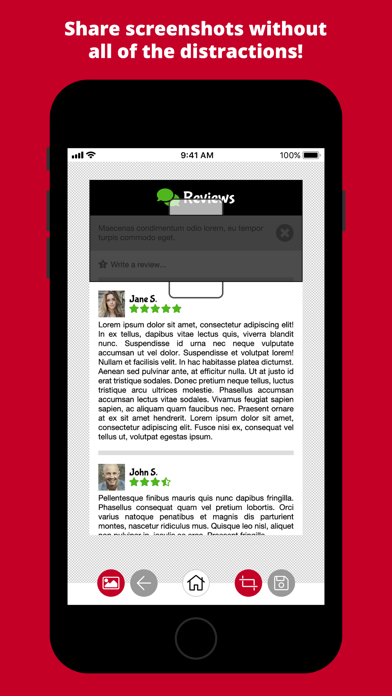
Need to remove sections of an image? Highlight any horizontal or vertical section of an image and crop it out!
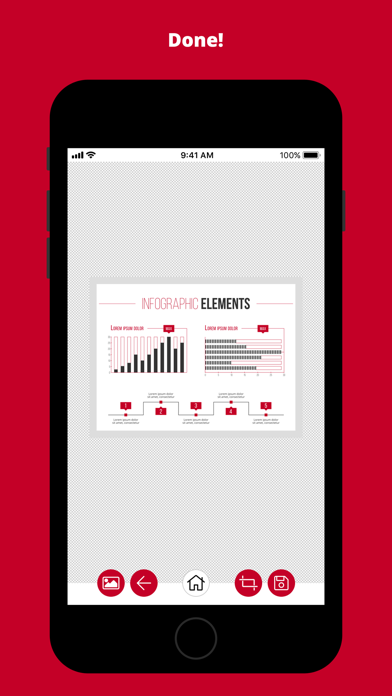
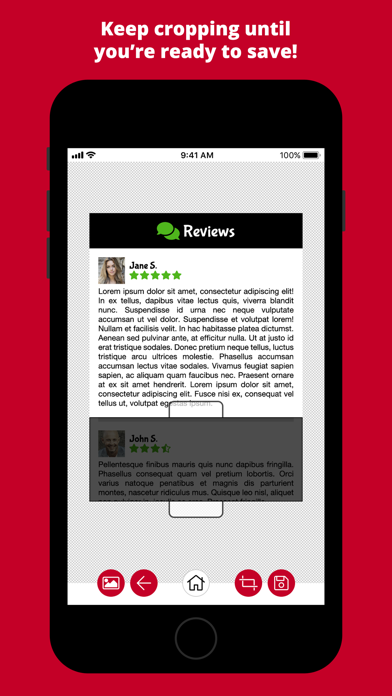
Splice Crop will crop out inner portions of an image, removing the highlighted section and joining the remaining sections together. Keep cropping until you're ready to save!
Just drag the crop area and stretch it to the size you need, or tap the crop area to toggle between a vertical or horizontal crop. It's quick and painless!
It's perfect for cleaning up screenshots before sharing! Get rid of all of the clutter, like advertising, toolbars, menus, site boilerplate text, etc.