The app offers artistic generative presets, image layers, and adjustment layers for photo editing. Users can create art prints, improve photos, or develop digital art skills with its editing tools.
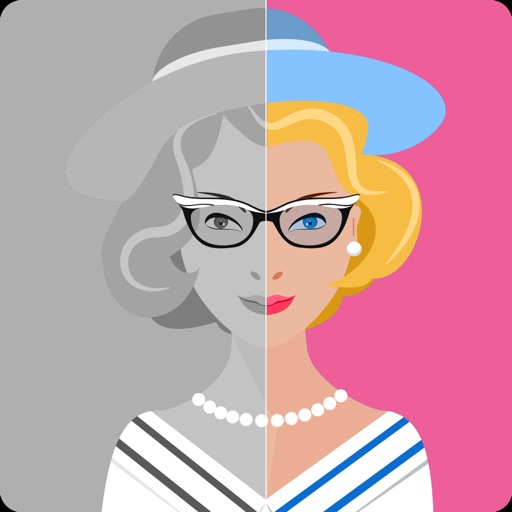
By applying AI-based colorization, repair, enhancement, and upscaling. Adjust brightness, contrast, and clarity. Remove scratches and red eye. Save and share edited images directly.
Apply 800+ professional with themes like retro, vintage, and cyberpunk. Customize and use DNG feature for advanced editing. Add blockbusting overlays to enhance photos and videos. Export edited content in various formats.
Apply color-correction filters to videos and photos. Adjust exposure, contrast, and color balance. Access 7 built-in filters with examples from 6 sets. Load media as a digital negative for detailed editing. Save all 6 filter sets for a limited time.
The app transforms any picture into Japanese wood-block prints with hand-chiseled outlines and brushed color. Users can adjust outline properties and color palettes, choosing between Multi-Color or Multi-Block printing styles for artistic results.
Share photos in a chronological feed without algorithmic curation. View images as they are posted. No follower counts, likes, or ads. Upload and manage photos directly. Edit and annotate images before sharing.
The app presents a film noir-inspired, historically based immersive art experience set in post-war Vancouver. It uses photorealistic 3D illustrations and period audio to recreate two distinct locations from the late 1940s.
Create 3D art with advanced editing tools. Build models using intuitive controls. Export to multiple formats. Use AR to preview creations. Design assets for games or the metaverse.
Capture photos with manual exposure and focus controls, RAW and TIFF support, and real-time adjustments. Edit images with advanced tools, apply effects, and export in high-quality formats. Share photos directly from the .
Backgrounds from photos using AI. Upload images from Camera Roll, tap to automatically. Export edited images or add animated backgrounds for social media and e-commerce platforms.
Remove backgrounds or objects using AI by adding a and tapping "remove." Adjust the new background to a custom color, white, another image, a gradient, or a preset. Add text, shapes, and photos to the edited image.
The app provides seven grunge styles for photo editing, including Classic Grunge, Bleached Grunge, and Pop Grunge. Users can adjust color, textures, and borders with an easy-to-use interface for creating artistic images.
Create image compositions with layers, shapes, and text. Edit photos with touch-up tools and painting features. Add filters and adjustments. Export in various formats and share directly.