Edit photos with modern filters and presets. Adjust colors and tones using advanced grading tools. Crop, rotate, and enhance images with precise controls. Export in various formats and share directly.
The app offers multi-layer photo editing for creating composites and artwork. It allows users to combine photos, add text, apply filters, and use AI tools for image generation and background editing.
Edit photos using voice commands to describe desired changes. Animate static images to motion. Test virtual haircuts and styles on photos. Save and share edited images directly.
Capture aerial footage with real-time HD video feed. Adjust camera settings and control drone flight. Edit videos with improved interface and add music or templates. Share edited content directly.
Resize images with precise control over dimensions and quality. Adjust DPI for print or digital use. Batch process multiple files at once. Rotate images for correct orientation or creative angles. Export in various formats.
MILKYWAY OYUN YAZILIM BILISIM SANAYI TICARET ANONIM SIRKETI
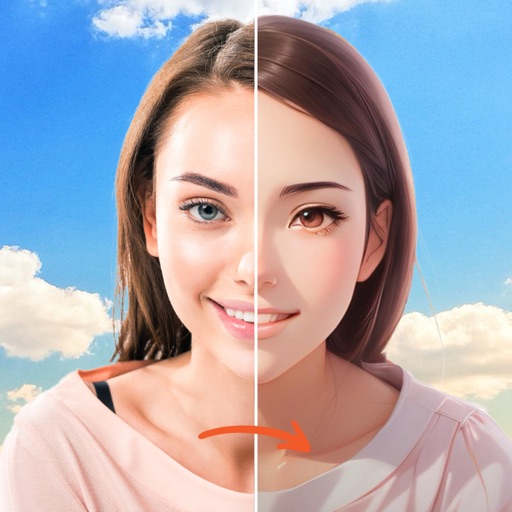
Swap faces, animate, and create videos
Create AI-generated videos by swapping faces in photos. Edit animations, adjust timing, and apply filters. Export videos to social media platforms. Share creations directly from the .
Arthur Eduardo Skaetta Alvarez Desenvolvimento de Software LTDA.
Record, , and edit videos
Record and videos at any time. Edit footage with trimming, cropping, and effects. Add text overlays and music. Share videos directly to social media or save for later.
Faces in images using AI-powered tools. Replace faces with celebrities or characters. Edit headshots for professional quality. Create memes and avatars. Adjust facial features and expressions. Export edited images directly.
And videos to obscure specific areas or entire footage. Adjust shapes, trace with finger, or auto- faces and cars. Process audio and change speed. Create fluffy effects.
Edit photos with multiple layers, blending modes, and masking. Adjust colors and brightness using adjustment layers. Apply brushes, smudge, warp, and effects. Add shadows and clarity. Export and share edited images.
Create professional designs with templates, logo makers, and editing tools. Remove backgrounds, access fonts and illustrations, and customize projects. Share designs directly from the .
Create and customize grids with adjustable square or custom block sizes. Set canvas dimensions for accurate layout. Position and resize images within the . Adjust properties and view physical measurements. Submit feature requests directly from the .
Edit photos with a wide range of effects, from basic adjustments to advanced graphic transformations. Repaint images using various brushes and import Photoshop brushes. Share edited photos on Instagram with the # tag.
Edit photos with AI-powered background removal and replacement. Generate realistic images from text. Use advanced tools like layers, masking, and cloning for detailed edits. Export and share edited photos directly.
The app offers tools to enhance photos, remove blemishes, and apply various effects. Users can combine photos into collages, add stickers and frames, and adjust image properties like brightness and contrast.
The app allows users to add artwork and messages to photos. Users can depict daily life and travel photos as memorable moments and express subtle moods.