Create wallpapers with predefined frames. Choose from 60+ styles including cute notches, bullet holes, and broken screen designs. Adjust photo size and position. Save and share wallpapers directly. Supports all iPhone models from 7 to 13 Pro Max.
Upload a photo to generate an AI-generated character in chosen styles like anime, pixel art, or detailed action figures. Customize appearance and details. Export and share the created .
Create posters and flyers with customizable templates, drag-and-drop elements, and text formatting. Add images, logos, and graphics. Choose from various layouts and export in multiple formats for print or digital use.
Create pixel art by selecting images of varying sizes and difficulty. Choose from a large collection of free images or design custom pixel art. Paint by number with pre-colored sections and customize colors. Save and share completed artwork.
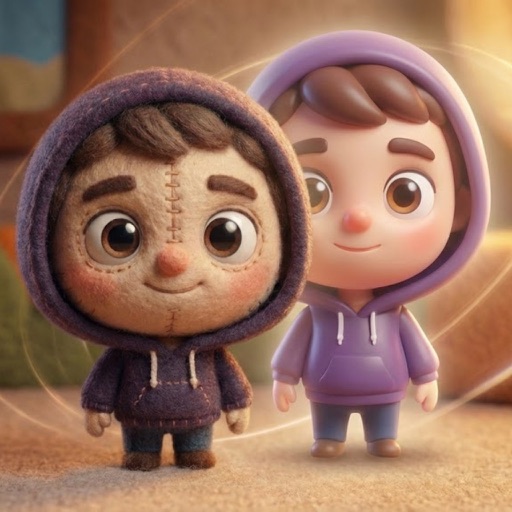
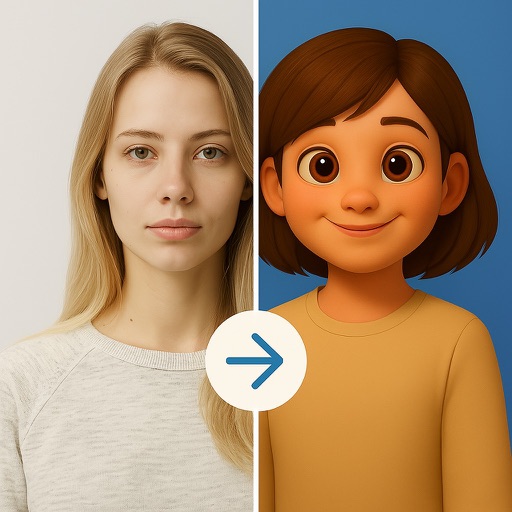
Convert photos into AI-generated cartoons, caricatures, and artistic portraits. Choose from 15+ styles including 3D characters, clay motion, paper cut-out, pixel art, and marble sculpture. Edit and export results directly.
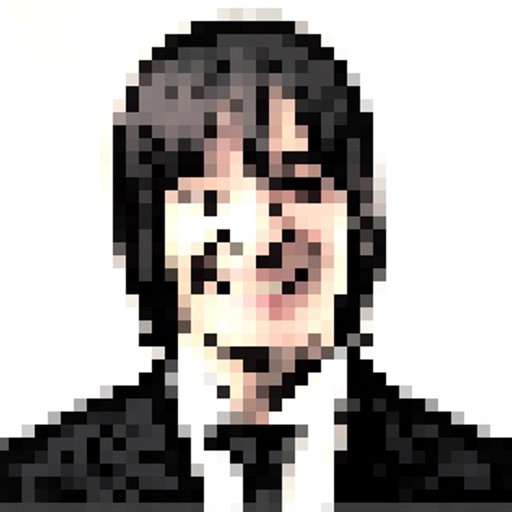
The app allows users to view and photograph the world with a pixellated, low-resolution aesthetic. Users can achieve looks reminiscent of 80s graphic adventure games or NES titles with adjustable pixel sizes and classic color palettes.
Edit photos with multiple props, frames, and effects. Apply presets and overlays. Capture photos in portrait, landscape, or square orientation. Share images directly to social media. Supports iPad, iPhone, and iPod Touch.
Edit photos with filters, effects, and AI tools to remove or blur backgrounds. Add stickers, text, and frames. Apply glitch, neon, and drip effects. Adjust colors and crop images. Export and share edited photos directly.
Convert photos into art with adjustable density and six design options. Choose from four styles and control edge thickness. Export the result as a video or animated GIF.
Create and edit artwork using AI-powered image generation. Choose between on-device or cloud processing. Generate high-resolution images up to 2048×2048. Edit and refine digital art directly on iOS devices. Save and share finished projects.