Apps Like CaroAI: 3D Caricature Maker for iPhone and iPad
Convert photos to AI cartoons
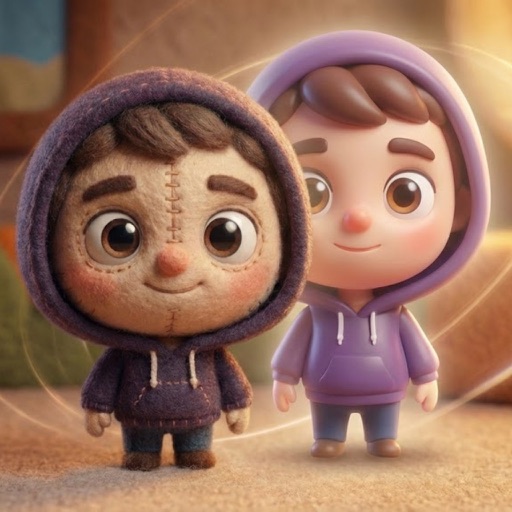
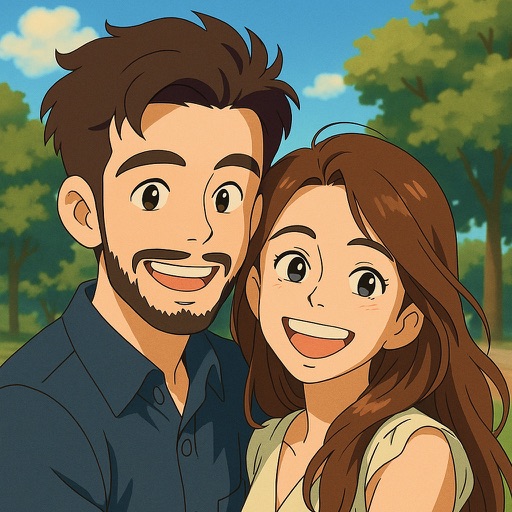
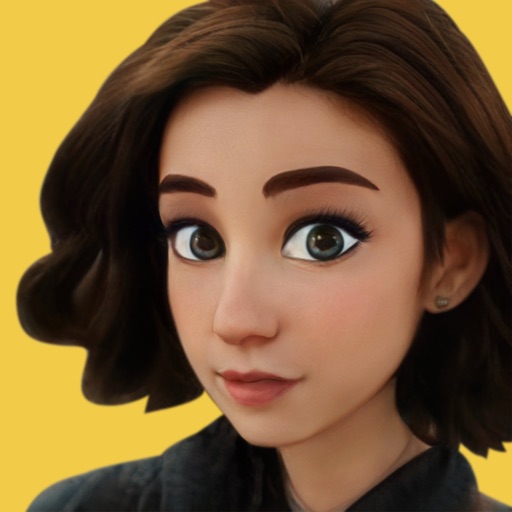
Convert photos into AI-generated cartoons, caricatures, and artistic portraits. Choose from 15+ styles including 3D characters, clay motion, paper cut-out, pixel art, and marble sculpture. Edit and export results directly.
by Enes Guler★ 0.00 ratingsGraphics & DesignFreeData updated 2026-09-06
Edit photos to create funny cartoons, caricatures, and sketches with 9 styles. Apply filters and adjust details for high-resolution output. Convert videos into clips using live preview or one-tap conversion. Share edited content directly.
Generate AI art by typing any idea and watching it come to life. Create portraits, landscapes, and characters. Convert photos into artistic styles. Edit and download generated artwork in various formats.
Edit photos with background blur, skin smoothing, and artistic filters. Remove distractions and enhance details. Add text and stickers. Share directly to social media or save in high-quality formats.
Convert photos to style using AI-driven technology. Upload or take a selfie to generate a hand-drawn portrait. Share the result on social media. Participate in the # challenge by posting transformed images.
Transform photos into cartoon caricatures using AI technology. Apply face swap features to create humorous styles. Choose color, black and white, or pencil formats. Customize caricatures for birthdays, couples, or professional use.
Upload photos to convert into or 3D avatars using AI. Edit images with filters, adjust colors, and add text. Share edited photos directly or export in multiple formats. Create group portraits and customize styles.
Turn selfies into anime characters or figures using AI. Apply fun filters and styles. Reimagine pets as humans or create collectible action figures. Edit and share transformed images directly.
Convert selfies into AI-generated art, cartoon portraits, and headshots. Create stylized posters, anime avatars, and 3D toy versions. Edit and refine generated images. Export and share final artwork.
Edit photos with AI art style transfer and realistic filters. Add beautiful frames and apply FX or blur effects. Turn portraits into canvases or cartoons with magic effects. Use lens tools for lighting and adjust colors manually.
Convert portrait photos into style with customizable effects. Choose from various emotions and expressions. Create animated videos and share directly. Apply effects to self or friend's faces. Edit and export cartoonized images.
Turn photos into anime, cartoons, and art styles with one tap. Choose from 100+ AI-generated styles including 90s anime, pixel art, and watercolor. Apply effects instantly without editing skills or prompts.
Turn photos into art with AI-powered style transformations. Choose from 12+ artistic styles including anime and comic book. Upscale images to 4K for sharper details. Create avatars without account setup or data storage.
Trim, cut, and crop clips. Adjust brightness, contrast, and color. Add slow motion effects. Overlay multiple clips. Export videos in various formats. Share directly from the .
Edit photos with filters, cropping, and adjustments. Add text, stickers, and layers. Create collages with 500+ grid templates supporting up to 9 images. Design stories with templates and grids. Cut out photos and add backgrounds.
Create AI-generated portraits in various artistic styles. Choose from filters like Classic Portraits, Joker, Anime, and Pablo Picasso. Adjust head angle and lighting for better results. Apply proprietary video style transfer in real time on device.