For images using across multiple engines. Perform keyword searches and view direct links. Manage history and save favorite images. Save images for quick access. The free version includes limited features.
Create videos from text input using AI. Add voiceovers and background music. Edit clips, adjust timing, and apply filters. Export in various formats and share directly. Collaborate in real-time with team members.
Select videos from camera roll or import from cloud storage services. Capture still images from videos and save them to camera roll. Share photos directly with friends or use them in other apps.
Convert formats with drag-and-drop support. Resize, compress, and adjust quality. Export in various formats like JPEG, PNG, and HEIC. Maintain local processing for privacy. Share converted files directly or save to device storage.
Backgrounds with a single touch. Replace backgrounds with any image. Apply blur to create a depth effect. Adjust clarity for better visibility. Export edited images directly.
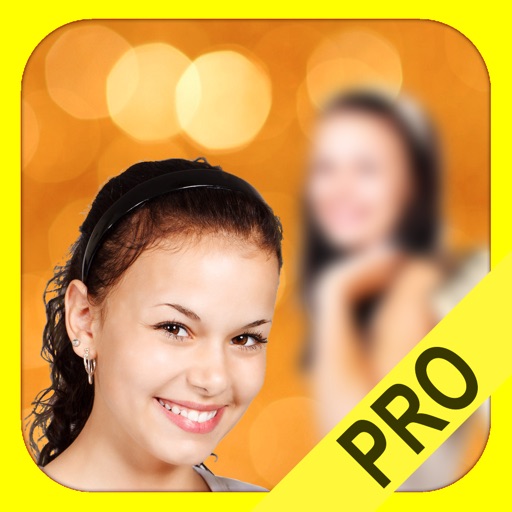
The app adds depth of field to images, creating realistic blurs with Bokeh effects. Users can adjust blur amount, use finger painting to mask focus regions, and share creations on social media or save them.
Edit photos with text layers, borders, matting, rounded corners, 3D bevels, and shadows. Adjust cropping ratios and apply internal and external shadows. Share edited photos directly to social media.
Convert , images, and documents to PDFs. Import files from the photo library or camera. Scan documents with the device camera. Export as high-quality PDFs. Organize and share converted files directly.