
Video2Pic
Capture video moments, save as photos, share
Pradeep Yadav
iPhone Screenshots



Description
Select videos from camera roll or import from cloud storage services. Capture still images from videos and save them to camera roll. Share photos directly with friends or use them in other apps.
Video2Pic is the Quickest and Easiest way to get best photo from your video. You can save the photo to the camera roll and share it with your friends or use it anywhere you want.
Video2Pic provides a unique functionality to import video from Dropbox, iCloud, Google Drive or any other applications. So now no need to worry if your videos are not saved in camera roll.
How To Use -
1. Choose the video from the Camera Roll or import any video from Dropbox, iCloud, Google Drive or any other app.
2. Select the best photo from your video either by playing the video and pause it at a frame or by scrolling the thumbnails and choose the best picture.
3. Select next and apply the cool filters and crop.
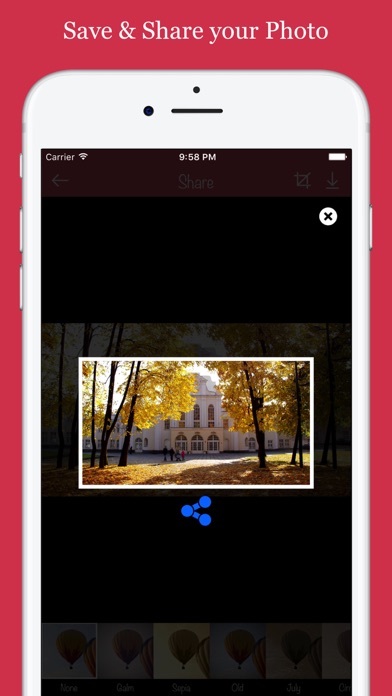
4. Save and share picture with your friends or use it anywhere.
Key Features:
* Very easy to use
* Automatically import all the videos from the Camera Roll
* Supports import functionality from Dropbox, iCloud, Google Drive, iTunes File Sharing and other apps as well
* Save image in Camera Roll or share on other apps like email, Dropbox, Facebook, Instagram, Whats App and many more
* Apply Cool filters before sharing your photo
* Apply Crop to get the best frame
So, now what are you waiting for? Extract cool photos from your video and share it with your friends.
Don’t wait a second more to get this free download, so start downloading and enjoying!
If you like the application, don’t forget to add/update your reviews.
Thank you for your liking!