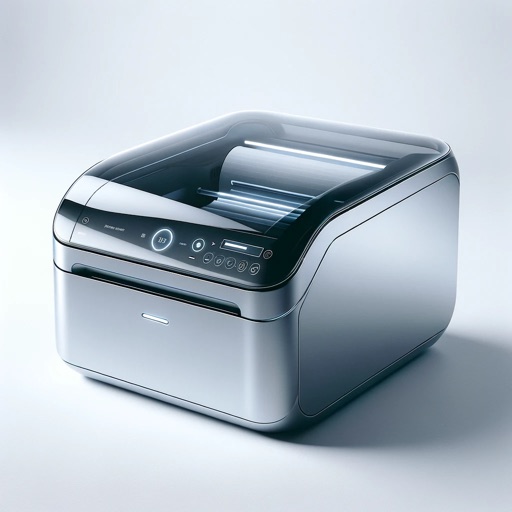
Print labels using a label printer over a local wireless network. Open pre-designed labels quickly. Create custom labels with graphics or photos. Print address labels from contact lists.
Documents and images to Brother Mobile Printers from iOS devices. Support printing of PDF, JPEG, BMP, GIF, PNG, TIFF, and PRN files. Connect via Wi-Fi or MFi Bluetooth. Import files using iTunes File Sharing or share from other apps.
The app prints PDF, Image, and PRN files from an iOS device to a Brother Mobile Printer. Users connect their device to the printer using Wi-Fi or MFi Bluetooth.
Print documents, photos, and webpages directly from iOS devices. Scan files and share content via email. Connect to printers remotely for printing from anywhere. Supports Microsoft Office and PDF formats.
Print documents and photos from iPhone or iPad using AirPrint. Scan documents with the device's camera and apply filters or edits before printing. Share printed files via email or cloud services.
Manage wireless printers and scanners. Connect and print documents. Scan and save files. Monitor ink levels and maintenance alerts. Access settings for network configuration and device management.
Remote control of 3D printer allows users to set and manage print jobs from anywhere. Real-time error alerts and step-by-step troubleshooting guidance are provided.
Print documents, photos, and web pages from iPhone or iPad. Scan and save files directly to cloud services. Customize print settings and select from over 9,000 wireless models. Share printed content via email or messaging.
And print documents and photos using the built-in scanner. Share or print files directly from the device. Supports printing with over 10,000 models including HP, Canon, Brother, and Epson.
Design and customize labels, decorative tapes, and satin ribbons using templates for labeling, crafting, and gift wrapping. Print labels via Bluetooth to compatible printers. Share designs across devices.