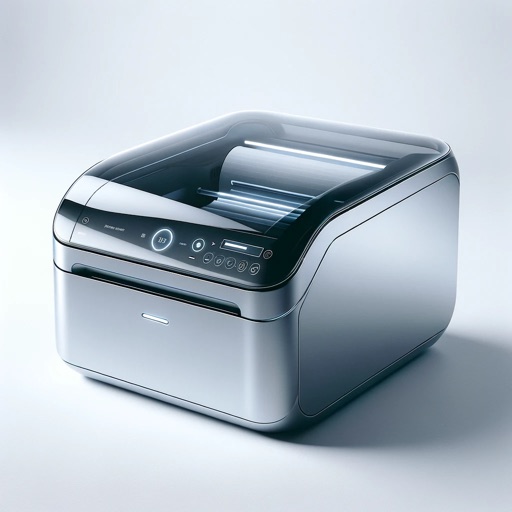
Print documents and photos from device storage, iCloud, or email. Scan documents and photos using the built-in scanner. Connect to over 8000 printers wirelessly. Share printed or scanned files via email or cloud services. Manage settings and queue.
Print documents and photos from iOS devices. Scan and annotate documents. Choose from supported printers to print. Create and print text notes. Edit scanned content before printing. Requires subscription for full features.
Select images from the device's photo library. Choose specific photos for printing. Send selected images to the sticker printer for sticker production.
Documents, photos, and files directly from an iPhone or iPad. Select from multiple printers. Scan documents with automatic border detection. Adjust settings including color, black and white, and advanced options.
Edit photos with templates and free-layout tools for prints. Create collages, calendars, and photo IDs. Customize designs with text and decorations. Print directly from the .
Documents and photos from iOS devices. Select files from Dropbox or Google Drive. Edit with built-in tools. web pages, contacts, and supported formats like PDF and DOCX. Connect to over 10,000 wireless printers.
Documents by scanning with device camera and printing with one tap. Resize and choose color or monochrome options. Share documents via email, AirDrop, or supported messaging apps. photos directly from device.
Create and by inputting text or images and selecting label type. Automatically adjusts content to fit label size. Sync with Mac via cloud. Supports most Avery label sheets. Organize mailing lists for recurring mailings.
Create collages from photos and them. photos directly onto CD/DVDs using an printer. Turn photos into coloring books and customize greeting cards. Personalize stationery and artwork.
Send and faxes directly your iPhone. Attach documents or files and send to contacts or add recipients manually. View received faxes in a personal inbox. Print documents directly the .
The app enables printing of web pages and files to Brother Industries label printers from an iPad or iPhone. It supports PDF and JPEG file formats, and can print from online services like Dropbox.
Print labels, barcodes, and addresses. Connect via Bluetooth. Choose from multiple sizes. Support PDF and image files. Access an online store for label templates and customization.
Scan documents and photos using the device's camera. Select a from a list of compatible models. directly via AirPrint without needing additional setup. Share printed documents via email or messaging apps.
Design custom layouts with text, backgrounds, stickers, and effects. Run live event mode with countdowns and photo previews. Guests can print via AirPrint or share photos and GIFs to social media or themselves.
Manage files by viewing, storing, and printing documents, emails, PDFs, photos, and web pages. Print to all printers, not just AirPrint. Convert files to PDF. Print directly from Safari, Photos, and other apps.