
RJ-4040 Print
Print files to Brother Mobile Printers.
Brother Mobile Solutions, Inc
iPhone Screenshots
Description
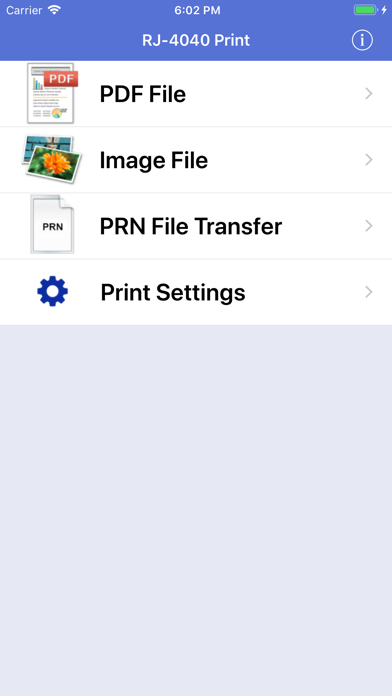
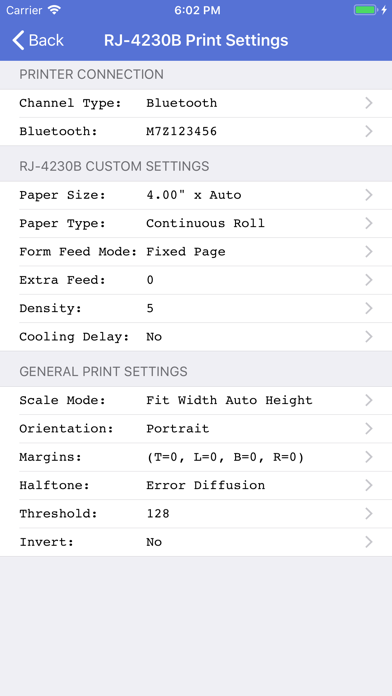
The app prints PDF, Image, and PRN files from an iOS device to a Brother Mobile Printer. Users connect their device to the printer using Wi-Fi or MFi Bluetooth.
"RJ-4040 Print" is a FREE application that enables you to print to Brother Mobile Printers. This application prints PDF, Image (such as JPEG, BMP, GIF, PNG, and TIFF) and PRN files from your iOS device (iPhone® / iPad® / iPod Touch®) to your Brother Mobile Printer. Connect your iOS device to your printer using a Wi-Fi or MFi Bluetooth connection only. You MUST use "iTunes® File Sharing" or "Share" files from another app ("Open In", "Copy To") to add PDF, Image, and PRN file documents into the app for printing.
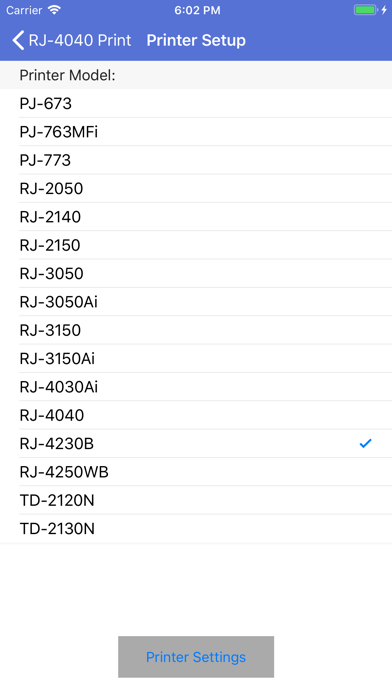
Supported printer models include:
* PocketJet PJ-673, PJ-773, PJ-763MFi, PJ-862, PJ-863, PJ-883
* RuggedJet RJ-4230B, RJ-4250WB, RJ-4040, RJ-4030Ai
* RuggedJet RJ-3230B,RJ-3250WB, RJ-3050, RJ-3150, RJ-3050Ai, RJ-3150Ai
* RuggedJet RJ-2050, RJ-2140, RJ-2150
* TD-2120N, TD-2130N
* TD-4550DNWB