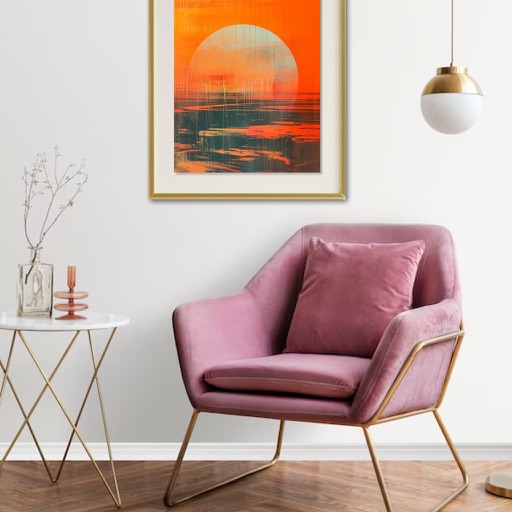
Create mockups with dual-level text display for main and subtitles. Customize backgrounds for personalized visuals. Use drag-and-drop interface to position elements precisely. Preview designs in real-time for accurate results.
Measures angles and slopes using the iPhone's sensors. Calibrate by placing the phone on a flat surface and pressing the button. Use for carpentry, home decoration, and other tasks requiring precise leveling.
Create custom -shirts, hoodies, mugs, and caps with drag-and-drop tools, AI-generated art, and text customization. Add stickers and patterns. Export designs in multiple formats and share directly.
Learn to sketch figures and garments with step-by-step guidance. Create and manage layers for detailed illustrations. Use AI tools to generate clothing and accessories in specific styles. Add body types including models, women, men, and plus size.
Edit and customize photos with gradient effects and positioning tools. Choose from a library of high-definition images or upload your own. Save and set as with one tap.
Scan and generate QR and barcode codes to share text, links, contacts, emails, and locations. Automatically open links or send emails when scanning. Add contacts from VCard data. Create codes within the or via action extension.
Organize tasks with swipe gestures for lists and formatting. Add one-tap reminders and set priorities. Create folders and favorites for quick access. Sync across devices and search notes efficiently.
View running information at any time using a built-in board. Support full metadata functions and powerful overwrite capabilities with customization options. Manage settings and access official website links for additional features.
Create illustrations, logos, and UI designs with precise drawing tools. Import and edit graphics. Organize projects in workspaces. Export in multiple formats. Collaborate in real-time with others. Adjust colors, shapes, and layers.
Customize home screens with high-definition 3D wallpapers and widgets. Apply pre-designed themes with one click. Save and switch between sets and combinations. Adjust quick settings directly from the home screen.
Create panoramic posts and stories by combining photos and videos across multiple frames. Use customizable templates or design freely on a canvas. Support 1:1, 4:5, and 9:16 aspect ratios for feeds and stories.