
Spirit Level Plus
Measure angles, slopes, and surfaces
Tue Nguyen Minh
iPhone Screenshots
Description
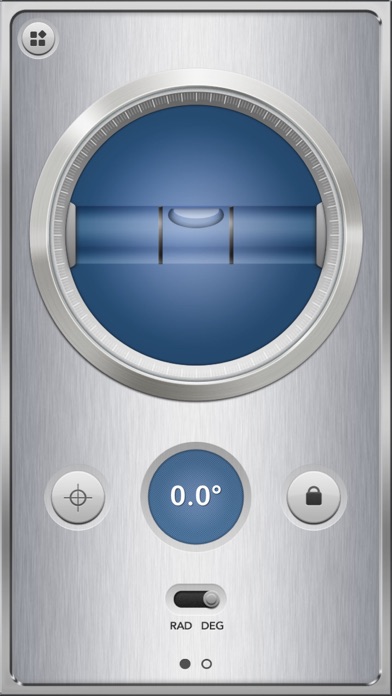
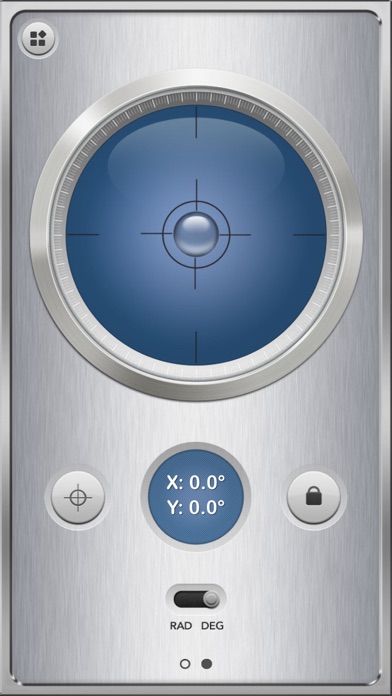
Measures angles and slopes using the iPhone's sensors. Calibrate by placing the phone on a flat surface and pressing the button. Use for carpentry, home decoration, and other tasks requiring precise leveling.
Spirit Level is optimized for iPhone 13 and iPhone 13 Pro!
Also check out iMetalBox: 7 in 1, get 6 more tools with the price of one!
You can use Spirit Level for:
- Carpentry works
- Measure angles and slopes
- Home decoration
- And much more!
Calibrate instructions:
- To calibrate the levels, hold the phone against a reference surface and press the Calibrate button.
- Do this one time for the face-up orientation only.