Edit and customize photos with gradient effects and positioning tools. Choose from a library of high-definition images or upload your own. Save and set as with one tap.
by Christopher Merron★ 4.129 ratingsUtilitiesFreeData updated 2026-09-18
Create custom bordered wallpapers from your photos
Create custom bordered wallpapers by importing photos from your library or selecting included images. Adjust border color, style, and opacity. Export wallpapers to your photo library and apply them to home or lock screens.
Edit photos to fit as with adjustable sizing and parallax effects. Share photos with friends and family or upload pet photos. Apply filters and save edited images directly.
Create custom wallpapers with scaling and resizing options on various backgrounds. Choose from color, gradient, pattern, bokeh, and text effects. Apply parallax effect for all iPhone and iPad devices.
Customize lock screen with interactive , weather, battery, and launcher options. Add dynamic island with pets and plants. Choose from 1000+ 3D space wallpapers and themes. Enable liquid glass effects and dynamic control center customization.
Arthur Eduardo Skaetta Alvarez Desenvolvimento de Software LTDA.
Convert videos to Photos
Convert videos or image sequences into Photos for use as dynamic wallpapers. Select videos or up to 10 photos from the camera roll. Create Photos without an internet connection. Apply motion effects to enhance visual appeal.
Customize home and lock screens with , icons, themes, and wallpapers. Design or select from pre-made . Apply icon packs and change wallpapers to personalize device appearance.
Personalize phone with , , alarm sounds, notification tones, watch faces, and live photos. Create custom designs using AI tools. Search for existing content or upload own files. Set different for contacts.
Set live with motion effects and animations. Choose from various like aquariums, beaches, and geometric patterns. Customize lock screen appearance. Apply through a simple swipe interface.
Customize lock screen with artistic layouts and notch templates. Choose from 50+ notch designs. Set background images and themes. Adjust layout to fit device dimensions. Save and apply custom designs.
Customize home screen with by adding interactive elements like Control, Transparent, Text, Photo, Date & Time, , Weather, Zen, Greetings, Music, and iBoard . Display system info, weather, and calendar data in one place.
Create cracked or glitched wallpapers using 32 preset effects. Import images from the album to customize designs. Apply wallpapers as lock screens or share them to friends.
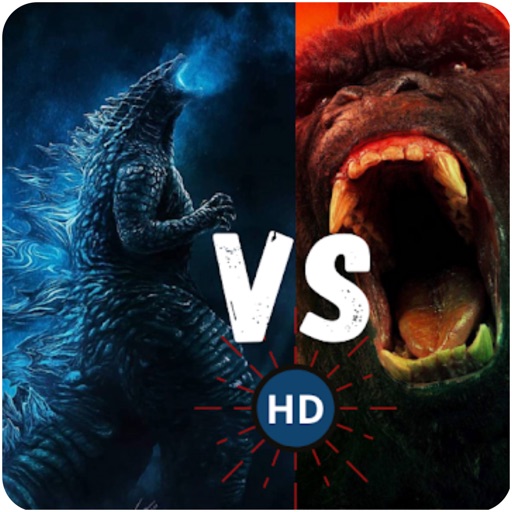
View and save high-resolution featuring and in battle scenes. Learn about origins through educational content. Access illustration ideas for content creation. Apply selected images as device . Play puzzle games based on the monster showdown.
Customize home screen with animated artwork, 3D and depth effect wallpapers, and liquid glass themes. Apply depth effect wallpapers optimized for OS 26. Choose from various depth and glass textures. Set dynamic preferences.
Create custom island and wallpapers for iPhone models. Import a photo as background, choose from over 80 styles, and save to album or set as . Adjust settings to personalize design.
Customize iPhone and iPad home screens and lock screens with wallpapers, widgets, and icons. Create AI-generated DIY wallpapers and apply theme-based designs. Change icons and layout in one action.
Set wallpapers with effects and animated designs. Choose from calming sceneries, night cities, animals, and blooming flowers. Customize lock screen with high-quality wallpapers. Save and apply wallpapers directly.