Screenshots using AI to detect edges, frames, and text lines. Add uniform padding and rounded corners. Zoom for detailed editing. Choose from multiple aspect ratios. Batch images with identical resolution.
Create art with layer editing tools including adding, deleting, duplicating, hiding, sorting, and grouping layers. Use blend modes and transparency settings. Access various tools like pen, eyedropper, eraser, and selection.
Convert prompts into digital artworks by selecting a style. Edit generated images, adjust colors, and export in various formats. Share creations directly or save to device.
Create comic strips using AI-generated art or manual drawing tools. Choose from various comic styles like anime, manga, webtoon, and pop art. Sketch and convert drawings into high-quality images.
Edit photos and videos with AI-powered tools, apply filters and overlays, and create dynamic videos from images. Share edited content via email or social media platforms like Instagram and Facebook.
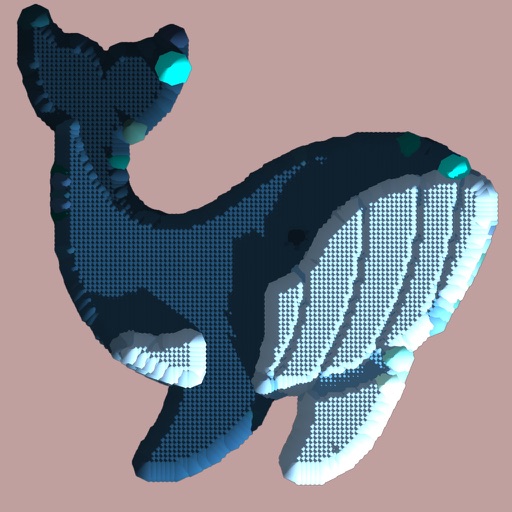
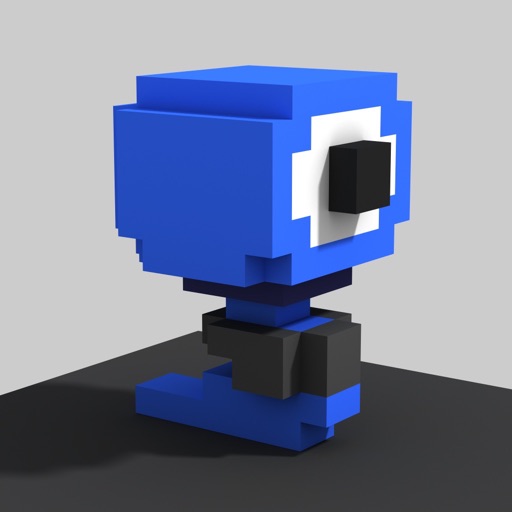
Create and edit art with intuitive controls. Use advanced tools for detailed modeling. Import and export models in formats like VOX, OBJ, and JPEG. Move, rotate, and duplicate voxels. Cut, copy, and paste parts of models.
Create and unique pixel NFTs. Sell on platforms like OpenSea, Rarible, and Nifty Gateway. Customize designs with pixel art tools. Upload and share NFTs directly. Track sales and royalties. Connect wallet for blockchain transactions.
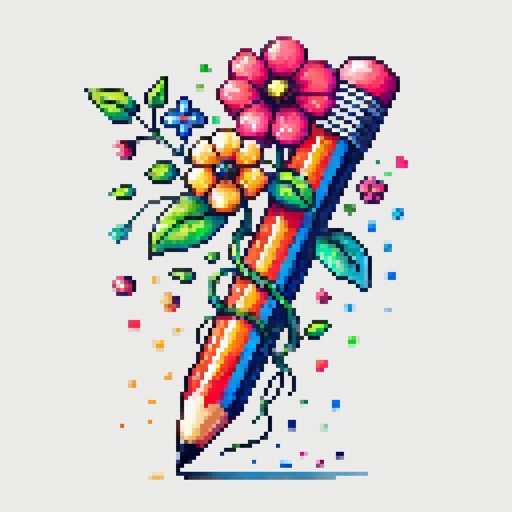
Create detailed artwork with realistic brushes and watercolor effects. Scale canvas up to 64 times with precise grid and pixel-level accuracy. Use over 80 brushes, erasers, smearing tools, rulers, cutters, fill tools, and color pickers.