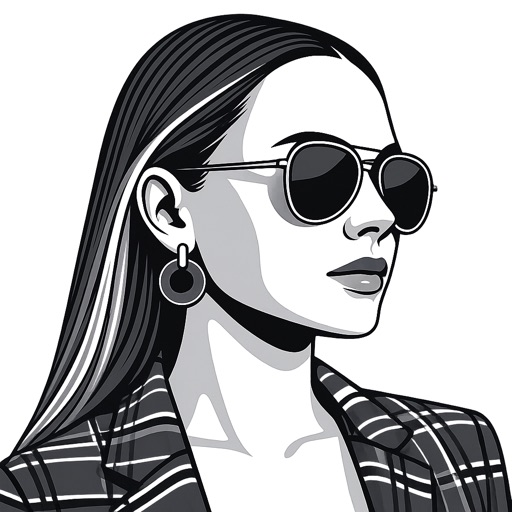
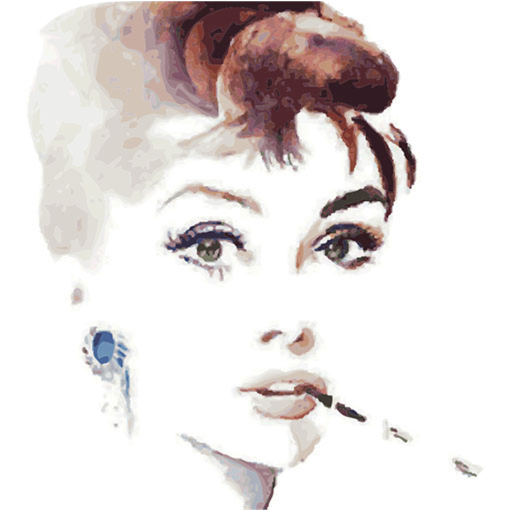
Create artworks from photos or videos using styles like , sketch, oil painting, and watercolor. Choose textures such as canvas or paper. Adjust tones and apply filters. Share creations directly from the .
Edit photos and videos into high-quality drawings, sketches, and illustrations. Apply pencil, charcoal, or technical filters. Enhance videos with advanced filters. Export edited content in various formats.
Animated movies using frame-by-frame . Import and edit vector graphics. Access tutorials for learning techniques. Export animations in various formats. Collaborate with others through community features. Adjust timing and add sound effects.
Turn photos into drawings, cartoons, or sketches with one click. Apply 19 effects with full control. Save creations and share via Facebook, Twitter, Flickr, Tumblr, and Email.
Arthur Eduardo Skaetta Alvarez Desenvolvimento de Software LTDA.
Convert photos to sketches
Convert photos into various styles like , colored, painting, and comic. Adjust brush thickness for customization. Save high-resolution sketches for sharing or printing.
Create digital artwork with realistic painting and drawing tools. Use exclusive brushes mimicking real-world art mediums. Simulate fluid watercolor effects. Adjust brush settings for precision. Export artwork in various formats.
Edit photos to create funny cartoons, caricatures, and sketches with 9 styles. Apply filters and adjust details for high-resolution output. Convert videos into clips using live preview or one-tap conversion. Share edited content directly.
Create sketches from photos with adjustable brush settings and layer controls. Choose from multiple art styles including cartoon, silhouette, and watercolor. Edit sketches with tools for tracing, erasing, and color adjustments.
Turn photos into drawings, cartoons, or sketches with one click. Apply various effects including black strokes, white strokes, pastel, and halftone. Adjust edge strength, opacity, contrast, brightness, and saturation.
Convert photos into artistic styles like cartoons, watercolors, and pencil sketches using AI. Apply filters and adjust details. Save and share edited images directly.
Learn to with guided lessons, text, voice, and video instructions. Access 1000+ tutorials across all skill levels. Follow personalized learning paths. Use Apple Pencil for . Track progress with structured lessons.
Stylize photos using over 500 AI art styles from various movements. Edit and retouch images with professional tools. Work offline with on-device AI models. Keep data private with no cloud storage. Export edited images in multiple formats.
Edit photos with AI-powered filters and neural network enhancements. Apply artistic styles to create paintings. Export in 64 megapixel lossless format. Print artwork on canvas, T-shirts, or comic books.
Convert photos to pencil sketches with adjustable effects including ink, outline, stony, charcoal, and cartoon styles. Support black and white and color pencil painting. Apply stylization, high contrast, and other advanced editing tools.
Convert photos into drawings, cartoons, or sketches with one click. Choose from various effects like black strokes, pastel, or halftone. Adjust edge strength, opacity, contrast, brightness, and saturation. Save the edited result.