The allows pilots to study aircraft functions. Users can interact with 900 fully functional buttons, view explanations and references. Features include pan and zoom capabilities, detailed button descriptions, limitations search, and definitions.
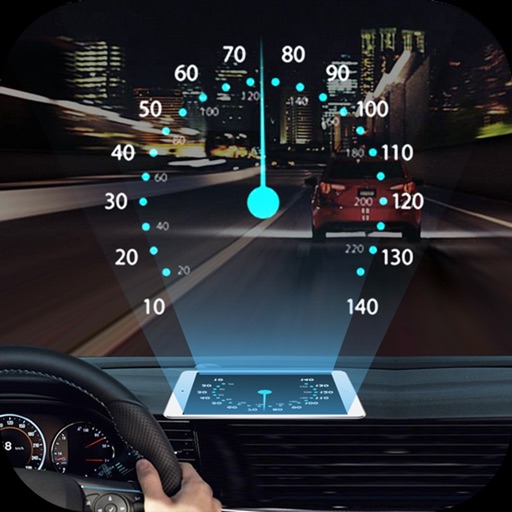
Projects speed, clock, weather temperature, cruise control, and now playing song information onto the windshield when iPhone is rotated and placed near the windshield. Displays data in landscape mode for easier visibility while driving.
Plan non-revenue travel by searching for flights and viewing seat availability estimates. Track flight status and receive updates on boarding. Manage travel dates and preferences for standby trips.
Calculate flight metrics for Beechcraft aircraft including takeoff, landing, climb, cruise, descent, and instrument procedures. Include turbonormalizer and tip tank options. Compute emergency glide distance with wind adjustments.
Calculate takeoff, landing, climb, cruise, descent, and instrument procedure for Cessna 172 and 150. Include emergency glide distance with wind adjustments. Track hold parameters, analyze risks, and compute metrics for flight planning.
The app displays real-time aircraft locations and flight history for Spidertracks account holders. Users can overlay live weather updates onto various map types, including VFR and IFR options.
Access a database of airports, airlines, spacecraft, and related entities with instant search and country flags. View manufacturer and airline tail logos.
Switch gauges, scroll frequencies, touch to control
Access and customize flight simulator gauges with multiple layout options. Switch between instrument panels for precise control. Use multi-touch for frequency adjustments or knob-like scrolling.
Book flights using a prepaid account. Search destinations, select dates, and complete bookings in 6 taps. View details, manage reservations, and check real-time pricing. Sync with account for seamless booking.
Pilots can retrieve information by defining departure and destination airports. Apply filters to narrow results. View NOTAMs in text format or on an interactive map. Translate NOTAMs into multiple languages.
Navigation provides real-time positioning using iPhone/iPad sensors. Displays maps and routes. Offers -and- interface. Uses digital filtering and stochastic models for accuracy. Only functions in airplanes.
The app provides a zoomable map that follows the aircraft's position during flights in simulator programs. Key flight variables are displayed on a side panel, and users can customize map types, aircraft icons, and units of measurement.