The app provides TN5250 and TN5250e emulation for IBM midrange systems. It offers features like SSH, Telnet, custom keyboards, and multi-session capability for host connectivity.
by Turbosoft Pty Ltd★ 0.00 ratingsBusiness$12.99Data updated 2026-10-14
Allows users to navigate the using gestures. right to access customisable QuickTexts. left to view emojis, including a most-used section for quick access. The standalone lets users add or modify QuickTexts and set ten function keys.
Remote desktop access with low-latency H.264 protocol. Transfer files between devices. Connect using Apple Screen Sharing, VNC, or RDP. Sync computers and credentials across devices. Automatically sync clipboard data.
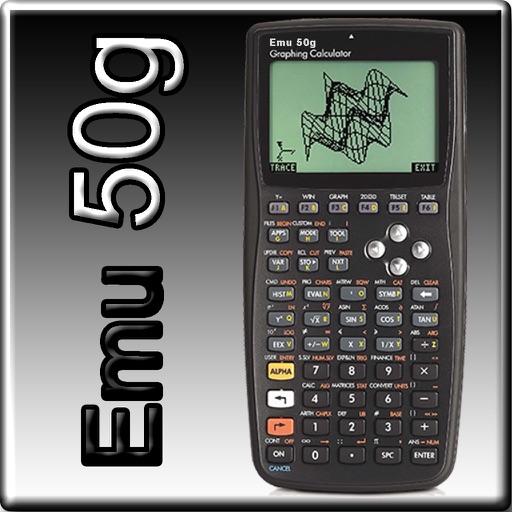
The app provides full emulation of the HP50g calculator with its original skin. Users can save and load calculator states, transfer files, and copy/paste results.
Allows users to connect to servers, execute commands, and transfer files. It includes a live dashboard for real-time CPU, memory, disk I/O, and network monitoring.
Securely connect to servers via SSH for remote management. Run terminal commands to execute tasks and manage files. View server logs and monitor activity in real time. Support for SSH keys and password authentication.
Manage Raspberry Pi remotely with GPIO control for on/off and impulse functions. Access a file manager to explore and transfer files. Send terminal commands, view camera images, and retrieve sensor data.
Manage connections and passwords securely. Access RDP, VNC, SSH, FTP, and other protocols. Store and organize connections in centralized data sources. Connect from anywhere using mobile or apps.
The app provides a simple and intuitive interface for executing commands on SSH servers. Users can manage commands, view colored shell output, and browse files and folders on the SSH server.
Capture and analyze HTTP/HTTPS traffic, rewrite requests, and manage SSH connections. Use Terminal and Python3 for scripting. Edit cookies, perform DNS parsing, and run traceroutes. Monitor system resources like CPU, memory, and network.
Provides offline access to a searchable Windows CMD dictionary. Look up command syntax, parameters, and descriptions. Navigate through categories and search for specific commands. No command execution or emulation is allowed.
Access remote desktops and control Windows sessions
Access remote Windows desktops via RDP. Control and view desktops on iPhone, iPad, or iPod Touch. Supports all Windows versions with Terminal Services. Connect to Windows Terminal Services and Remote Desktop Services.
Read vehicle diagnostic codes and clear them via Bluetooth connection. View freeze frame data and monitor O2 sensor, battery voltage, transmission, EVAP, and performance metrics. Access customizable dashboard and driving assistance features.
Access Raspberry Pi shell remotely via secure websockets without dynamic DNS, port forwarding, or VPN. Connect from any network with firewall or NAT. View output and send commands in real-time.
Access IBM Mainframe via 3270 terminal emulation. Customize screen size and colors. Use SSL/TLS for secure connections. Scan barcodes with device camera. Copy and paste using clipboard. Print wirelessly via Air Print. Zoom and scroll like Safari.