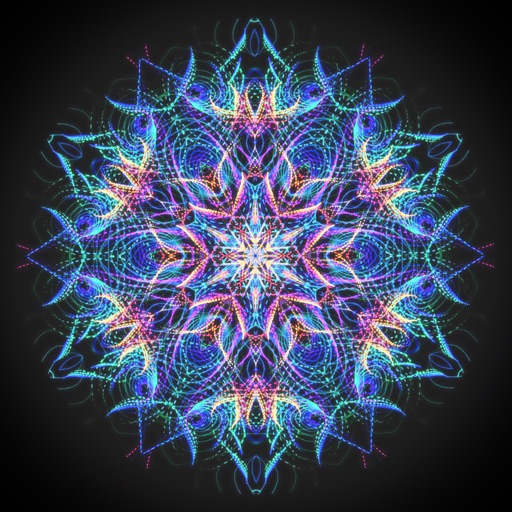
Create animated swirling patterns and kaleidoscope artworks. Select from various brush styles and color palettes. Adjust speed and symmetry settings. Save and share generated artwork. Relax through interactive, meditative visuals.
Create light-based drawings using finger gestures on the screen. Share creations with friends and family via social media or messaging. Save finished designs as photos in the device's gallery.
Measure and areas by drawing paths or closing loops. Switch between metric and imperial units. Undo drawings as needed. View standard or satellite maps. Export measurements as KML files for use in Google Earth and other mapping apps.
Create and manage paint palettes with advanced color picking and brand comparisons. Mix colors using a paint mixer tool. Store and organize palettes, group them, and add notes for reference.
And edit with drawing tools, text, and photo insertion. Adjust text formatting, color, and effects. Resize and rotate text and images. Save and share creations via social media apps.
The app offers unlimited board size and color choices for pens and backgrounds. Users can import photos, print snapshots, and utilize undo/redo functions.
The app allows users to virtually paint walls on a photo using their finger. Users can explore different color options for interiors before actual painting and share their creations.
Create custom images by adding photos as backgrounds. Touch to draw dots and customize designs. Save creations and share via social media or messaging.
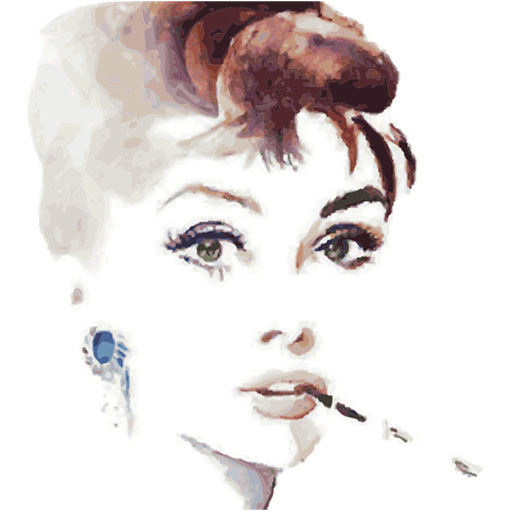
The app allows users to create Impressionist-style oil painting art effects for images and movies. Users can adjust brush strokes, color, brightness, and saturation to achieve desired artistic results.