Reduce photo file size while maintaining quality. Resize images to fit specific dimensions. pictures for email, social media, or upload. Save storage space by optimizing image formats. Share compressed directly from the .
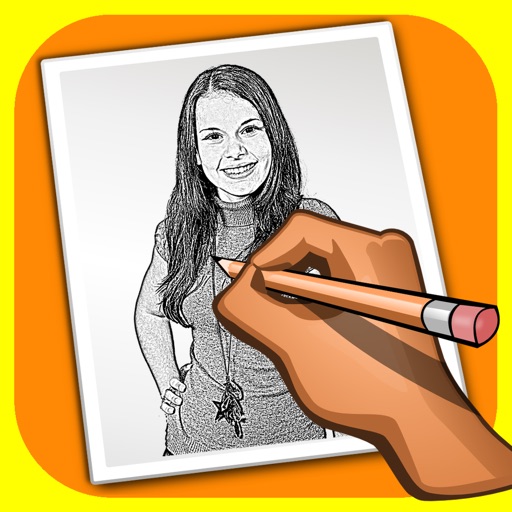
The app transforms user photos into pencil drawings with a sketch shine effect. Users can apply this filter to images captured with the device's camera.
Apply bokeh, disc, Gaussian, morphology gradient, motion, or zoom blur effects to images. Adjust colors and enhance or remove them for improved visuals. Export edited images in various formats.
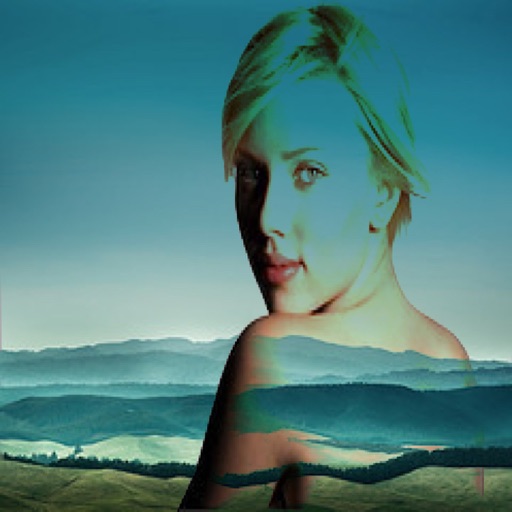
The app allows users to combine two images using various blend modes. Users can select photos from their device or the web and adjust layer transparency.
Create stickers by drawing lines to separate objects from photos. Store and share stickers via social media or messaging apps. Use stickers to design collages and combine with photos for creative images.
The app transforms photos into halftone and rasterized artwork using dots, lines, and shapes. It offers creative modes like Grid, Interlaced, Radial, and Photo, with options for bicolor, multicolor, or full color.
Capture photos of the moon by aligning the camera manually. Adjust moon size with two fingers. Tap to autofocus or manually adjust focus. Modify brightness using +/- buttons for better detail. Press the circular button to take a photo.
APPAS SOLUTIONS, SOCIETATEA CU RASPUNDERE LIMITATA
Capture in 45x view
Take photos with 45x digital . Pinch to in or out. Manually focus and capture zoomed images. Access a secret folder for secure storage. Use compass to determine cardinal directions. View GPS coordinates from GLONASS system.