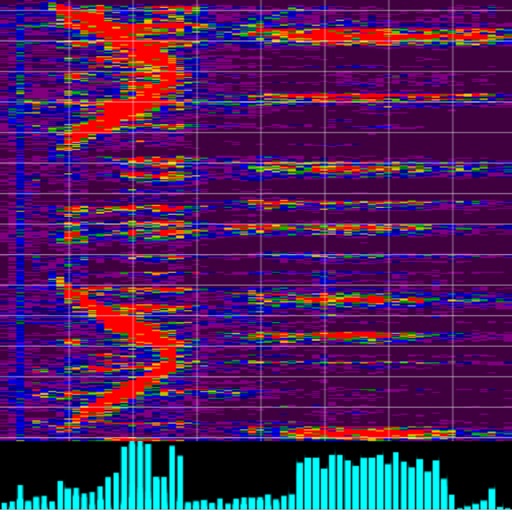
Visualize sound with a spatial spectrogram that displays frequencies in a 3D space. Adjust color schemes, resolution, and volume size for personalized settings. Use zoom gestures to magnify specific areas.
Simulate the ANS synthesizer by drawing spectrograms to create music. Adjust parameters like pitch, amplitude, and envelope. Play back compositions and export audio files. Learn about the history and unique capabilities of the ANS instrument.
Customize and sound settings. Adjust beat patterns and volume. Track timing accuracy with visual cues. Sync with devices for practice sessions. Record and replay performance sessions. Share recordings via social media.
Measure sound levels with SPL meter and RT60 analysis for room reverberation. Analyze frequency spectra using spectrogram and octave modes. nd test audio signals with white/pink noise, sine, and sweep options.
Learn music theory with a visual . Explore relationships between major, minor, and diminished keys. View key signatures and triads. Play or mute chords and arpeggios. Lock the for reference.
The app generates unique, beautiful, and hypnotic visuals from any music source using the microphone. It supports all native resolutions, including Retina displays, and offers TV Out support.
Tune instruments a and . Generate pitches using four waveforms. Use advanced DSP for precise tuning ±0.1 cent accuracy. Switch between tuning modes and adjust sensitivity settings.
Decode Morse code audio into text using microphone or headset input. Automatically translate signals or manually adjust settings for weak signals. Control filter frequency, WPM speed, and background noise threshold.