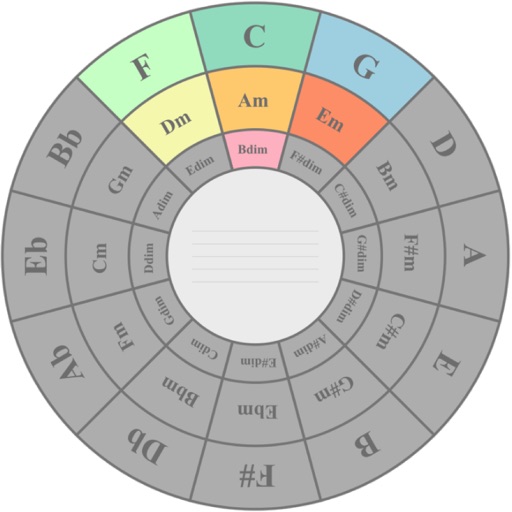
Learn music theory with a visual . Explore relationships between major, minor, and diminished keys. View key signatures and triads. Play or mute chords and arpeggios. Lock the for reference.
by Josh Liebe (Pty) Ltd★ 4.9208 ratingsMusicFreeData updated 2026-09-06
Learn key signatures by tapping to see sharps or flats. Generate for any key instantly. Visualize connections between major and minor keys on an interactive circle. Practice with customizable settings and instant feedback.
Learn music with animated on staff notation, clefs, note and rest durations, time signatures, and interval identification. Track scale degrees, key signatures, and interval inversions.
Explore and scales with a dictionary featuring user libraries and reverse mode. Search by keys or MIDI input. Build chord progressions with common patterns. Use the circle of 5ths for navigation.
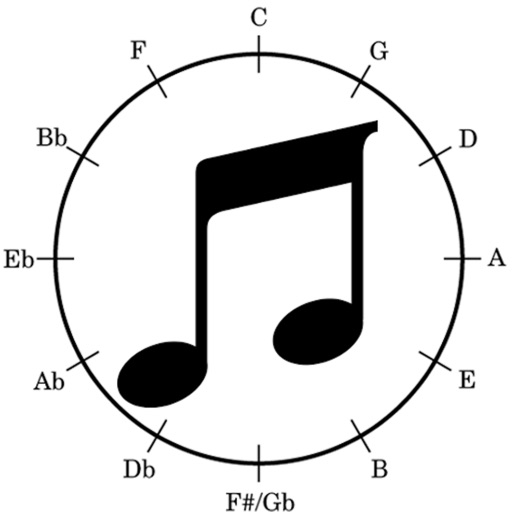
Create melodies using the of fifths and fourths. Choose key and scale mode. Generate for selected key. Play via built-in player or arpeggio by holding chord button. Access scale notes individually with play button.
The app identifies chords and scales, displaying their construction on a grand staff. It offers fingering, relative scales, and compatible chords, aiding composition and practice with a chord progression builder.
And find chords based on the circle of fifths. Learn scales and chord progressions. Identify compatible chords within a key. Set and track musical goals. Sync with instruments and export progressions.
Learn notes and chords through interactive . Identify key signatures for major and minor scales. Guess notes on treble and bass clefs. Play competitive to practice guitar and piano chords using a MIDI keyboard.
Music "Select musical keys using a circle of fifths interface. Display major and parallel minor scales. Adjust visible section with sliders. Choose note name language between German, English, or Italian."
Explore , , and progressions with interactive virtual and staff notation. Play ascending, descending, and harmonically. Adjust root notes and inversions. Compose songs by arranging and .
Displays triads of any musical scale visually. Users can explore chord progressions using the Circle of Fifths. Select a tonic to view chords in degrees or notes. Study and apply harmonizations directly within the .
Learn to identify musical intervals, chords, scales, and rhythms by listening. Practice ten exercises including interval and chord recognition, melody and rhythm dictation, and chord progressions.
, bass, or vocals with interactive lessons that provide instant feedback. Tune instruments, warm up voice, and practice chords and notes. Track progress with personalized exercises and access a library of songs to .