Apps Like XLS Sheet: XLS Viewer & Editor for iPhone and iPad
Edit spreadsheets on the go
View and edit Excel files directly on iOS. Navigate spreadsheets, adjust cell formatting, and apply formulas. Export data as CSV or PDF. Collaborate in real-time with cloud storage integration. Manage multiple workbooks and access data offline.
by Softcap★ 4.120 ratingsBusinessFreeData updated 2026-09-06
Documents, photos, and web pages directly from iOS devices. Select files from apps or cloud storage. Customize settings like layout, paper size, and duplex printing. Connect to wireless printers instantly.
The app allows BlackBerry Dynamics users to view and edit Microsoft Office documents, text files, and view PDF and HWP files. It offers powerful editing features and excellent rendering quality for documents created on a PC.
Convert files between formats like JPG, DOC, XLS, PPT, TXT, RTF, EPUB, and PDF. Save or share converted files to iCloud or other apps. Manage conversion history and access previous conversions.
Decompress and extract files from various archive formats including ZIP, RAR, 7z, and ISO. Support encrypted files and multi-volume archives. Automatically detect name encoding. Create ZIP files.
Compress and decompress zip files. Support rar extraction. Download zip files via in- browser. View extracted images, videos, and documents. Read and display QR codes. Open PDF, DOC, and XLS files.
View and documents such as PDF, DOC, DOCX, XLS, XLSX, PPT, TXT, and more. Open files directly from your device without needing a computer. Support multiple file formats in a single . No internet required for file viewing.
Documents, photos, and files directly from an iPhone or iPad. Select from multiple printers. Scan documents with automatic border detection. Adjust settings including color, black and white, and advanced options.
View, manage, clean, and convert documents, archives, spreadsheets, media files, and PDFs. Organize files offline. Open and edit text within PDFs. Convert files between formats. Securely store and access files without cloud upload.
The app allows users to read and manage documents in various formats including Hangul, Word, spreadsheets, and presentations. It supports converting Hwp, Word, and Presentation documents to PDF or image files.
Create fax pages in PDF format with customizable fields. Include a note section for messages. Save templates for repeated use. Add built-in disclaimers for confidentiality and HIPAA compliance.
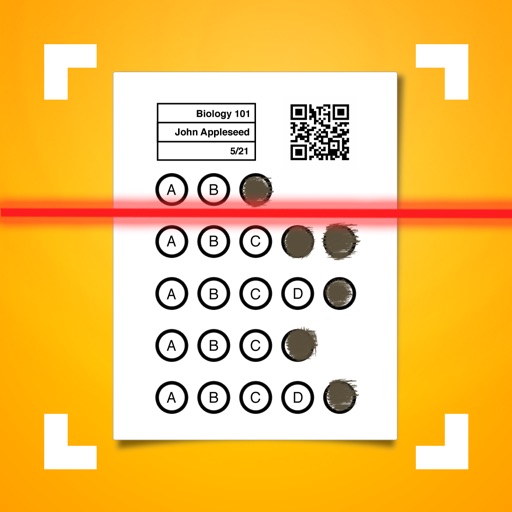
Allows users to create classes and configure assessment answers. It automatically grades bubble sheets and displays scores in real time. Export data to XLS or CSV, sync with Google Classroom, and integrate with .
Convert images to PDF files and create PDF documents from various sources. Edit and merge PDFs, convert between file formats, and export as PDF. Share and save converted files directly.
Convert files to PDF or other formats quickly with a three-step process. Select a file, choose an output format, and tap convert. Scan documents and photos to create PDFs. Edit and annotate converted files. Share results directly from the .
Securely share files with access controls, set permissions for viewing and editing. Encrypt data to prevent unauthorized access. Track file usage and revoke access remotely. Protect files shared via cloud services or mobile devices.