
Seclore
Secure files with access control
Seclore Technology Pvt. Ltd.
iPhone Screenshots


Description
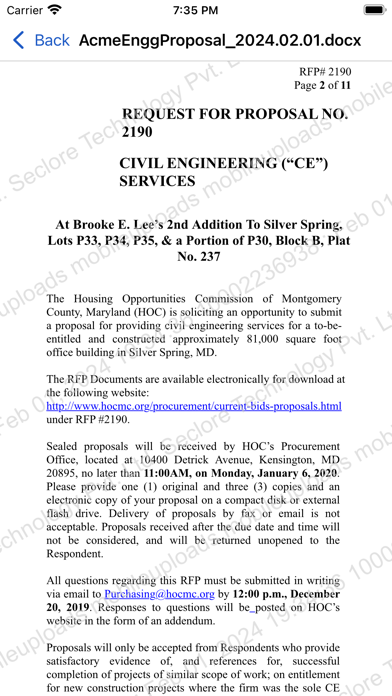
Securely share files with access controls, set permissions for viewing and editing. Encrypt data to prevent unauthorized access. Track file usage and revoke access remotely. Protect files shared via cloud services or mobile devices.
Seclore empowers you with unrivalled Data-Centric Security for files shared with anyone, anywhere, anytime. Only authorized users get access to your confidential information even when it is shared with partners and service providers outside your enterprise network.
Protecting enterprise information with Seclore also significantly reduces the risk of data leakage from files shared via cloud-based services or accessed on mobile devices.
Seclore Rights Management provides information controls across the following dimensions for all file formats:
· WHO: Users or groups that can access your information
· WHEN: Date and time when the information can be accessed
· WHERE: Devices and network locations where information can be accessed.
Additionally, Seclore provides granular permission controls on specific file formats (as mentioned below).
· WHAT: viewing, editing, copying, printing, screen grabbing etc.
The following file formats are opened within the Seclore app itself:
· pdf
· doc, docx, xls, xlsx, ppt, pptx
· csv, rtf, txt
· png, bmp, jpeg, jpg, gif, tiff, tif
· odt, ods, odp
· smail (Seclore’s secure email format)
All other formats need to be opened in the Seclore app first and then opened in any other app that supports that format. The Seclore app will first validate the user’s credentials and then open the file in the other app.