Create digital paintings with unique brushes and color chaos features. Use Color Jitter for textured effects and Fan Fill or Lasso Fill for quick color blocking. Paint outdoors or on the go with intuitive tools.
Create pixel art with layer editing tools including alpha sliders, hide options, copy, and merge down. Animate with onion skinning, alpha controls, and live preview. Export as PNG, GIF, or JPG with support for animated GIFs and sheets.
Create 3D designs for apparel, accessories, and packaging. Import custom 3D models and edit 2D patterns at 1:1 scale. Use PBR materials and export high-quality designs for production.
Create art with layers, animation, and onion skinning. Import color palettes from Lospec or use built-in options. Zoom with pinch, draw with tap, and view mini-previews while dragging. Sync with Aseprite for file transfer.
Edit photos by describing desired changes. AI instantly transforms images. Remove objects, enhance portraits, or restore old photos. Generate new images, stickers, and emojis from text. No complex tools or editing skills required.
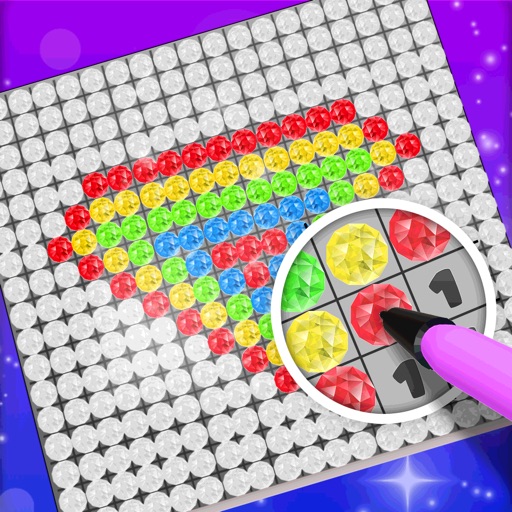
Choose a 3D model to color. Select colors and apply them to specific areas of the model. Tap to place diamonds in designated spots. Complete the artwork by filling all sections. Save or share finished creations. Adjust settings for lighting and zoom.
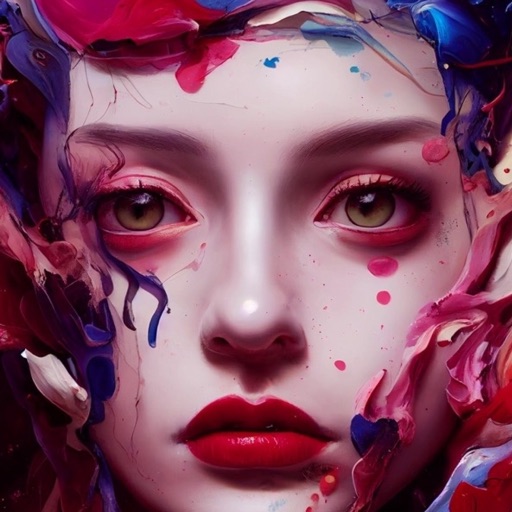
Create art by entering prompts and selecting styles. Generate images, paintings, and drawings in seconds. Export and share created artwork. Adjust details and refine outputs as needed.
Generate AI art based on text prompts using Stable Diffusion models. Adjust styles, techniques, and parameters to refine the output. Edit generated images by adding details or modifying prompts for more accurate results.