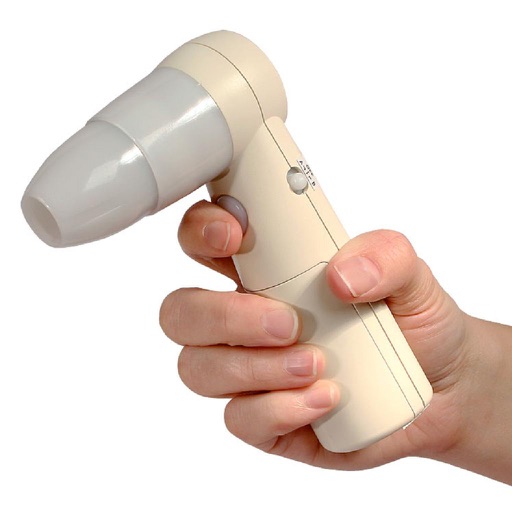
Control device via Wi-Fi hotspot. Capture and record real-time images. Playback and download footage. Adjust settings for image clarity and focus. View microscopic details and share captured content.
by APEXEL TECHNOLOGY CO.,LTD★ 0.00 ratingsPhoto & VideoFreeData updated 2026-09-06
Remotely control the TW10 camera via Bluetooth. Adjust settings such as focus, exposure, and zoom. Capture high-quality video and photos. Transmit footage in real-time to a connected device.
Create videos with voiceover. Import photos from device, record narration for each image, and compile into a video. Export and share the final video directly.
View footage of New City from multiple camera angles. Adjust camera settings for brightness and zoom. Save or share high-definition video clips. Receive notifications for camera availability and stream content directly to your device.
Capture real-world locations using iPhone or iPad. Upload images from drones, DSLRs, or other cameras via web. Convert images into high-quality 3D Gaussian splats automatically.
View and tag videos directly from the device. Quick review of video, photos, and audio captured in the field. Support for media playback and basic editing functions. Save and organize captured content for later use.
Collect images to create high-resolution maps and 3D models using drones. Choose modes for different sites. Preview paths in 2D or 3D. Use Terrain Follow to adjust drone height for better imagery.
Record videos and photos with controls including focus peaking, false color, and histogram. Shoot in PRORAW and DNG formats. Adjust audio metering, custom resolutions, and frame rates. Export logs and fat videos.
Convert text prompts into animated or real-style videos using AI. Add images or ideas to enhance visuals. Generate professional-grade videos without editing skills. Export and share directly.
View live video feeds from IP cameras. Receive motion alerts and notifications. Adjust camera settings remotely. Access recorded footage and playback. Share camera views with others.
Sections of images by highlighting horizontal or vertical areas and removing them. Join remaining parts to create a clean image. Adjust size by dragging or toggling orientation. Save the edited image after cropping.
Control camera settings and tag geo information on photos. View and edit 360-degree photos and videos. Choose from five visual effects including front, segmentation, dome, ring, and panorama. Record and playback 360-degree videos remotely.
Record and view video and photo footage from -X2 body worn camera. Edit metadata, browse media, and manage captured content. Share files directly from the .
Allows users to in up to for detailed close-up shots. Switch between 5x and 15x options for different framing needs. Use the -wide to capture broader scenes. Adjust focus and exposure settings manually for precise control.
View and control PTZ devices remotely through a base station connection. Adjust camera angles, zoom, and pan. Receive real-time video feeds and manage device settings from a mobile interface.
Convert images into the of selected paintings using AI processing. Select an image from the album or camera, choose a painting , apply the transformation, and save or share the result.
The app displays and preserves pictures captured with AirMicro and ProScope Mobile. It allows users to view live video and capture still images directly into the photo library on an Apple Mobile device.
Play 3D and media with high-resolution visuals. Adjust viewing angles and control playback settings. Use the included 3D screen protector for enhanced 3D viewing without compromising 2D display quality.
Edit photos to edit using on-device OCR technology. Extract, modify, and customize in images without internet. Separate from the background and restore the original image. Support multiple languages for cross-language recognition and editing.
Control timecode generation, audio recording, and display through Bluetooth connection. Set and sync timecodes, record audio, and track progress. Export timecode data and manage device settings via the .