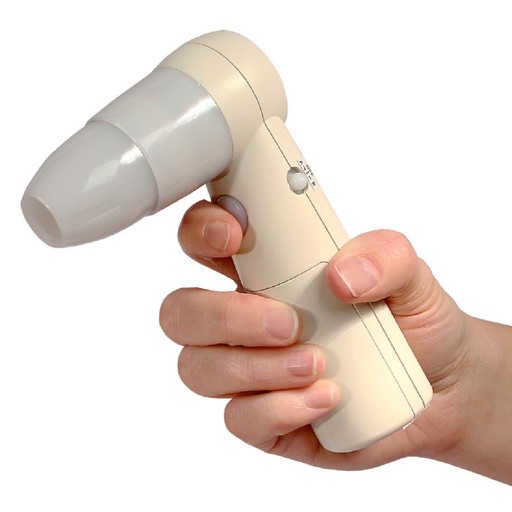
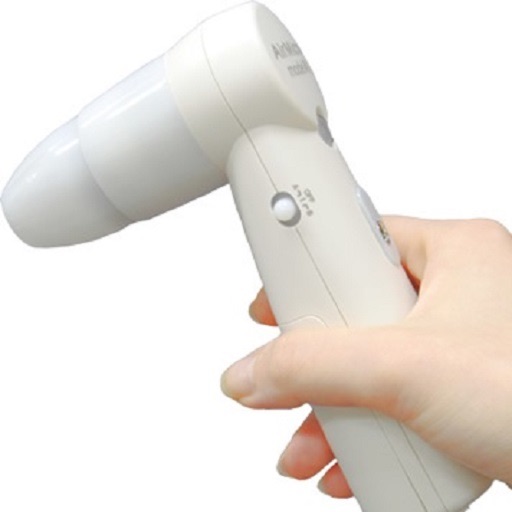
The app displays and preserves pictures captured with AirMicro and ProScope Mobile. It allows users to view live video and capture still images directly into the photo library on an Apple Mobile device.
by SCALAR CORP.★ 2.03 ratingsUtilitiesFreeData updated 2026-09-14
View and save images captured with or ProScope Mobile. Adjust focus and brightness. Share photos via email or messaging. Compatible with Apple iPad, iPhone, and iPod. Used for skin analysis and educational purposes.
Set schedules, control sprinklers, adjust for weather
Control irrigation systems by connecting to controllers. Turn on sprinklers manually or automate watering schedules. Adjust settings based on weather conditions. Monitor usage and save water and costs.
Create real-time floor plans using a mobile camera. Capture photos, add notes, and place objects or equipment. Fill out forms and checklists. Record 360° panoramas. Generate reports, price lists, and estimates.
Yue-Jie Innovations Science and Technology Co. , Ltd.
Edit videos with AI templates
Edit videos with AI-powered tools and pre-designed templates. Trim and merge clips. Add text, music, stickers, effects, and transitions. Use Inspire Cam for professional-style shooting. Export final videos in multiple formats.
Calculate measurements in feet, inches, and fractions. Convert between units and perform complex calculations. Store frequently used values and recall previous entries. Adjust for slope and pitch. Export results to email or cloud storage.
The app projects images from the AirMicro Frenzel microscope. It records movies and still images, supporting 30fps for monitoring eye movement with a maximum recording time of ten minutes.
Explore tutorials, simulations, and community forums for drone-related learning. Share creations and discover new products. Access a wide range of DJI products and accessories. Earn shopping rewards and receive exclusive gifts with purchases.
Manage accounts and monitor water usage. View and pay bills online. Check for outages and communicate with the . Receive water conservation tips and compare usage data.
The app functions as a magnifying glass using the device's camera to display a magnified image. Users can adjust the zoom factor up to x4 and utilize the camera flash as a flashlight for improved visibility.
Record videos and take photos discreetly using fake backgrounds to hide the . Monitor motion with a sensor to automatically save footage. Set a photo timer for interval shots. Share captured media directly.
Monitor and log engine and vehicle performance data, including fuel economy and check engine light status. Clear trouble codes remotely. View lateral and acceleration/braking Gs on a skidpad.
Manage calls and texts through a cloud-based phone system. Integrate with CRM to track leads and manage contacts. Use a 4-line auto-dialer to handle multiple calls. Send and receive messages. Close deals with sales tools.
Record and stop-motion videos with support for SDR Video, HDR Video, Apple Log, 12MP, and 48MP photos. Adjust playback speed after recording. Edit footage with advanced tools. Export in various formats. Control settings during capture.
Control smart devices remotely from any location. Manage appliance settings, receive status updates, and automate routines. Integrate with compatible smart hardware for unified device management.
Mirror mobile to smart TV via Wi-Fi. content in real time with no delay. Control playback directly from the mobile device. Adjust orientation and resolution settings. Share content instantly without additional hardware.
Turn your iPhone into a network for file sharing and backup. Access files via using a browser. Share files via HTTP or SMB protocols. Transfer data between devices over any connection. Backup and copy files to and from iPhone and other devices.