Navigate surroundings using voice guidance and object recognition. Access step-by-step instructions for daily tasks. Read text aloud with adjustable voice settings. Locate nearby services and emergency contacts.
by Coding Minds, Inc.★ 5.02 ratingsHealth & FitnessFreeData updated 2026-09-06
Control hearing aid volume individually or together. Mute surroundings for focus. Switch between pre-set programs. Check battery levels. Stream calls via Bluetooth. Adjust settings when within range.
Read and reflect on verses with options to view in 62+ languages. Access audio narration for meditation. Share verses with images. No ads or subscriptions. Lock verses for personal devotion. Track reading progress over time.
Navigate trails and routes using detailed and turn-by-turn directions. Track location and elevation. Save favorite spots and share routes. Import GPX files and set waypoints. View terrain and land features for outdoor exploration.
Plan and navigate boating trips with real-time tracking and high-resolution digital charts covering the US, Europe, and other regions. View vector charts with tappable buoys and lights. Pan and zoom seamlessly across maps.
Uses AR to display directions in real environment. Mark locations, addresses, and altitudes in surroundings. Record and screenshot navigation moments. Requires location services for accurate functionality.
Perform guided exercises to relieve muscle pain and improve . Track progress with session history and set reminders. Access safe, expert-designed routines for daily use.
Use voice commands to navigate. Access real-time traffic updates and road closures. Receive turn-by-turn directions with offline map support. View points of interest and historical traffic data.
Explore Wat with offline maps and detailed audio guides for 30+ attractions. Navigate sites like Bayon and Baphuon with step-by-step directions. Access must-see recommendations and historical insights.
Navigate waters with preloaded charts for Western, Central, Eastern, and The Lau Group. Access local knowledge, route descriptions, waypoints, and anchorage details. Includes drone footage for visual guidance. No internet required.
Heart rate variability and resting heart rate from Apple Health to identify levels. Receive notifications when HRV dips, suggesting rest. Get reminders to step outside and breathe during high- situations.
Track calories and nutrients with AI-powered recognition. Log meals by scanning barcodes or拍照. Set daily calorie goals and monitor progress. Sync with fitness devices to adjust intake based on activity levels.
Track sobriety progress with daily streaks and milestones. Monitor triggers and cravings using AI analysis. Set personalized recovery goals and receive guided support.
Personalized reminders for medications, appointments, and daily tasks. Send messages and notes to loved ones. View a visual timeline of important life events. Set recurring alerts and track completed tasks.
Find accessibility information for public spaces before visiting. Search for locations and view crowdsourced reviews, photos, and videos. Check wheelchair access details and navigate with confidence. Share insights to help others.
The app provides step-by-step illustrated instructions for emergency procedures. It guides users through actions in stressful situations and includes tutorials for practicing techniques.
Navigate CTA transit system with real-time route planning and step-by-step directions. View interactive maps of the L system. Tap to access schedules and station information. Search for destinations and receive updated arrival times.
Practice with guided voice instructions and illustrated exercises. Track calorie burn and progress with detailed history. Access 30-day workout plans for weight loss. Sync with Apple Health. No equipment required. Perform poses at home anytime.
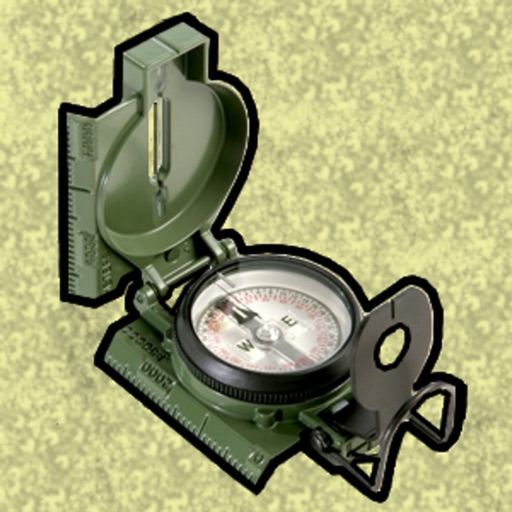
Enter MGRS or coordinate data to navigate to specific points. Adjust pace count and track deviations. View distance, speed, and angle settings in meters/km or feet/miles. Analyze movement patterns for navigation improvement.